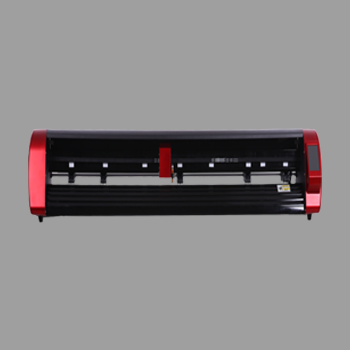
An auto feeder cutting plotter is a cutting plotter built for sheet stacks. The blade still follows vector paths. The difference is the tray: it loads the next printed sheet so you are not placing every sheet by hand.
This guide from Skycut India places that plotter type among roll, camera and flatbed cutters, and shows which jobs it owns. How to choose A Series models is in auto feeder cutting machine. How to run a stack is in auto feeder.
Quick answer
- It is a plotter type: sheet feeder + camera + blade paths for printed stacks.
- Best jobs: sticker sheets, labels, tags and small cartons from repeat prints.
- Not for: roll vinyl lettering or rigid board that will not feed.
- Skycut fits: A3 Max 4, A3 Max Metal, A3 Max 5.
What an auto feeder cutting plotter is
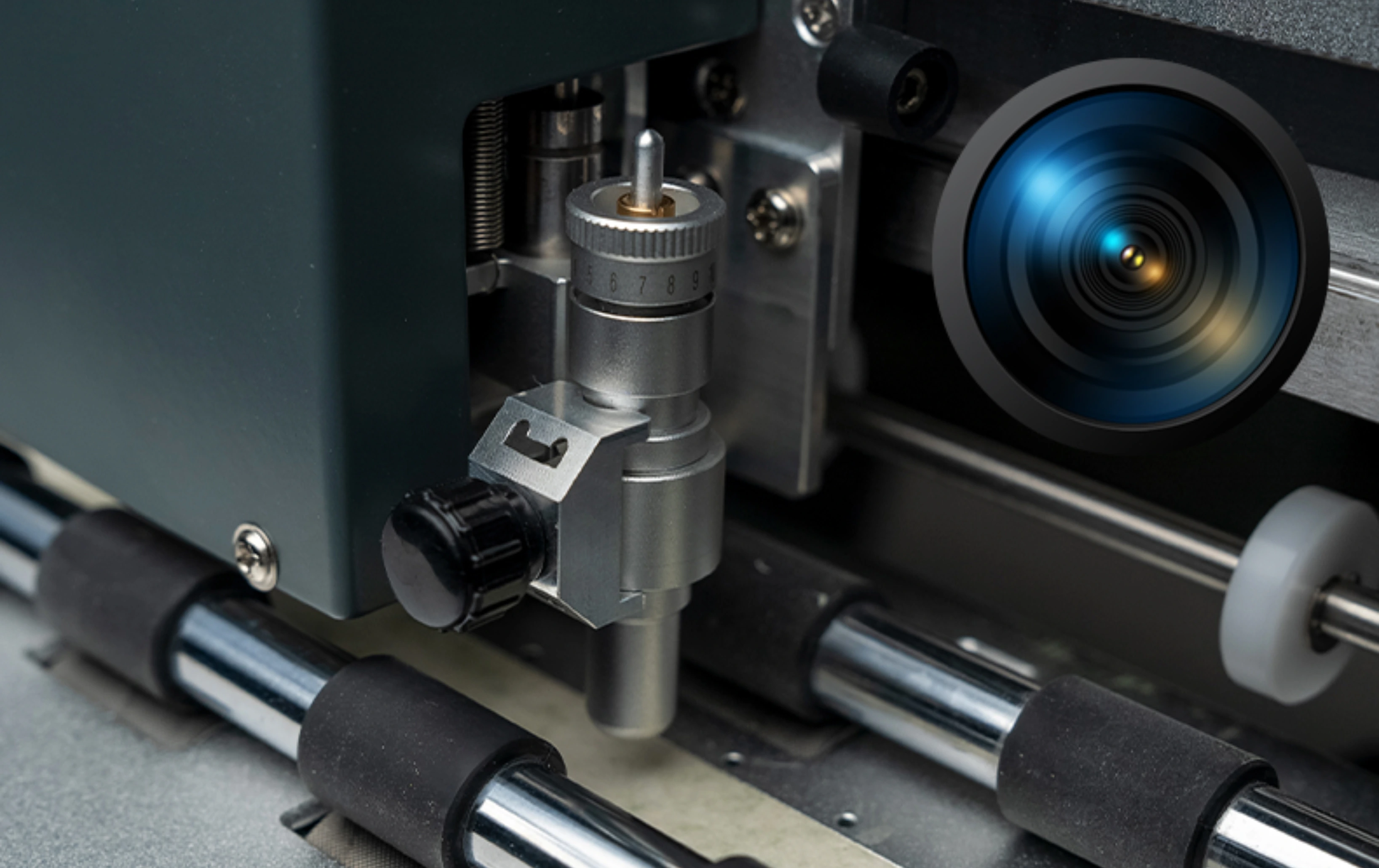
Every cutting plotter moves a blade along closed paths. An auto feeder cutting plotter adds a stack tray and, on printed work, a camera that reads registration marks. You print a consistent sheet stack, load the tray once, and the plotter feeds, aligns and cuts.
It is not a steel die and not a printing plotter. Colour comes from your printer. The plotter only finishes the outline – kiss cut or through cut – the same way a roll plotter finishes vinyl, but from sheets instead of a roll.
Where it sits among plotter types
| Plotter type | Media path | Skycut example |
|---|---|---|
| Auto feeder cutting plotter | Stack of flat printed sheets | A Series |
| Roll cutting plotter | Vinyl / radium through pinch rollers | V24 / VH |
| Camera contour plotter | Printed roll or hand-fed sheet, no stack tray | C / CX |
| Flatbed cutting plotter | Rigid board on a vacuum table | F4560 / F6090 |
The wider type overview is in cutting plotter.
Jobs this plotter owns
- Printed sticker sheets with registration marks and kiss-cut peels.
- Product and barcode label sheets cut in repeat batches.
- Tags and invitation card sheets when the print run is already stacked.
- Small carton blanks on dual-head models that cut and crease in one pass.
If the daily load is solid-colour board lettering from a roll, you want a vinyl cutting plotter, not a feeder tray.
Need an auto feeder cutting plotter?
Tell us your sheet size and daily volume. We will match an A Series plotter and share the price.
Plotter workflow on a stack
- Print with marks – same sheet size, same mark layout, dry ink.
- Load the tray – fan the stack so sheets separate cleanly.
- Send the cut file – closed vector paths for kiss cut or through cut.
- Camera registers – marks on each sheet align the outline to the print.
- Feeder advances – next sheet enters when the last cut finishes.
- Weed and pack – operator works finished sheets while the plotter keeps cutting.
Feed problems and tray tips sit in automatic feeding.

Skycut autofeeder plotters
| Model | Plotter role |
|---|---|
| A3 Max 4 | High-speed autofeeder cutting plotter for sheet stacks |
| A3 Max Metal | Metal-body autofeeder plotter for regular stacks up to 150 sheets |
| A3 Max 5 | Dual-head autofeeder plotter when sheets also need a crease |
Feature checklists and which model to buy are in auto feeder cutting machine. Browse the A Series page or send an enquiry. Call +91 9990391515.
When it is the wrong plotter
- Roll vinyl and radium – use a V24 or VH Series roll plotter.
- One-off contour skins – a C / CX camera plotter without a stack tray is often enough.
- Thick packaging board – use a flatbed; the tray will not pick rigid blanks reliably.
- Print-only desktop cutters – they do not replace a production autofeeder plotter for shop stacks.
Frequently asked questions
Final thoughts
An auto feeder cutting plotter is the sheet-stack type in the cutting plotter family. Choose it when printed stickers and labels arrive as repeat stacks. Skycut options are the A3 Max 4, A3 Max Metal and A3 Max 5. Keep a roll plotter for vinyl lettering. For buying criteria, read auto feeder cutting machine.