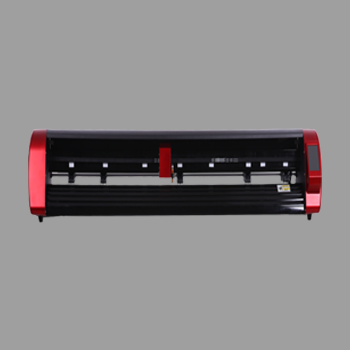
Die cut stickers are stickers cut all the way through so each piece comes free with its own shaped backing. Customers get a single sticker, not a sheet of peels. On a plotter you make them with a through cut – often called a digital die cut – without ordering a steel die for every shape.
This guide from Skycut India covers die cut vs kiss cut, how to cut them, and which machine fits. Kiss-cut sheet work stays in kiss cutting machine. Cut-style overview stays in vinyl cut.
Quick answer
What die cut stickers are
The outline of a die cut sticker matches the design. The backing is trimmed to the same shape. That is why logos, mascots and giveaway stickers often ship as individual pieces.
The name comes from steel-rule die cutting. Print shops still say “die cut stickers” when a digital plotter through-cuts the same result without a physical die.
Die cut vs kiss cut
| Die cut stickers | Kiss cut stickers | |
|---|---|---|
| Cut depth | Through face and liner | Face and adhesive only |
| How they ship | Separate pieces | On a sheet until peeled |
| Best for | Giveaways, single logo stickers | Sheets, labels, peel packs |
| Plotter setting | Through cut / full cut | Kiss cut |
How to make them on a plotter
Choose solid vinyl or printed stock
Solid colour rolls for logos. Printed sheets for full-colour die cut stickers.
Design with a closed outline
Keep a small margin around print if contour cutting. Avoid hairline gaps.
Set a through cut
Expose enough blade and force to cut face and liner. Test on scrap first.
Cut and separate
Weed or pop pieces free. Each die cut sticker should come away as one unit.
Pack individually
Bag or sleeve pieces so edges do not stick together in transit.
Blade depth tips are in vinyl cutting blade. Force tips are in cutting force.
Making die cut stickers?
Tell us solid vinyl or printed contour. We will suggest a Skycut model and share the price.
When shops use die cuts
- Event and brand giveaways handed out one by one.
- Logo stickers that must look finished as a single piece.
- Printed contour stickers sold individually after camera cut.
- Samples before a large kiss-cut sheet order.
Full sticker workflows are in sticker making.
.webp)
Which Skycut machine
| Die cut sticker job | Machine |
|---|---|
| Solid-colour vinyl pieces | V24 |
| Printed contour die cuts | C24 / CX |
| Many identical printed sheets | A Series feeder |
| All-day solid vinyl volume | VH Series |
Call +91 9990391515 or send an enquiry. For steel die vs digital machines, see die cutting machine.
Common problems
| What you see | What to change |
|---|---|
| Pieces still attached | Through cut too light – raise depth/force on scrap |
| Torn corners | Force too high or dull blade; slow the job |
| Wanted a peel sheet | You need kiss cut, not die cut |
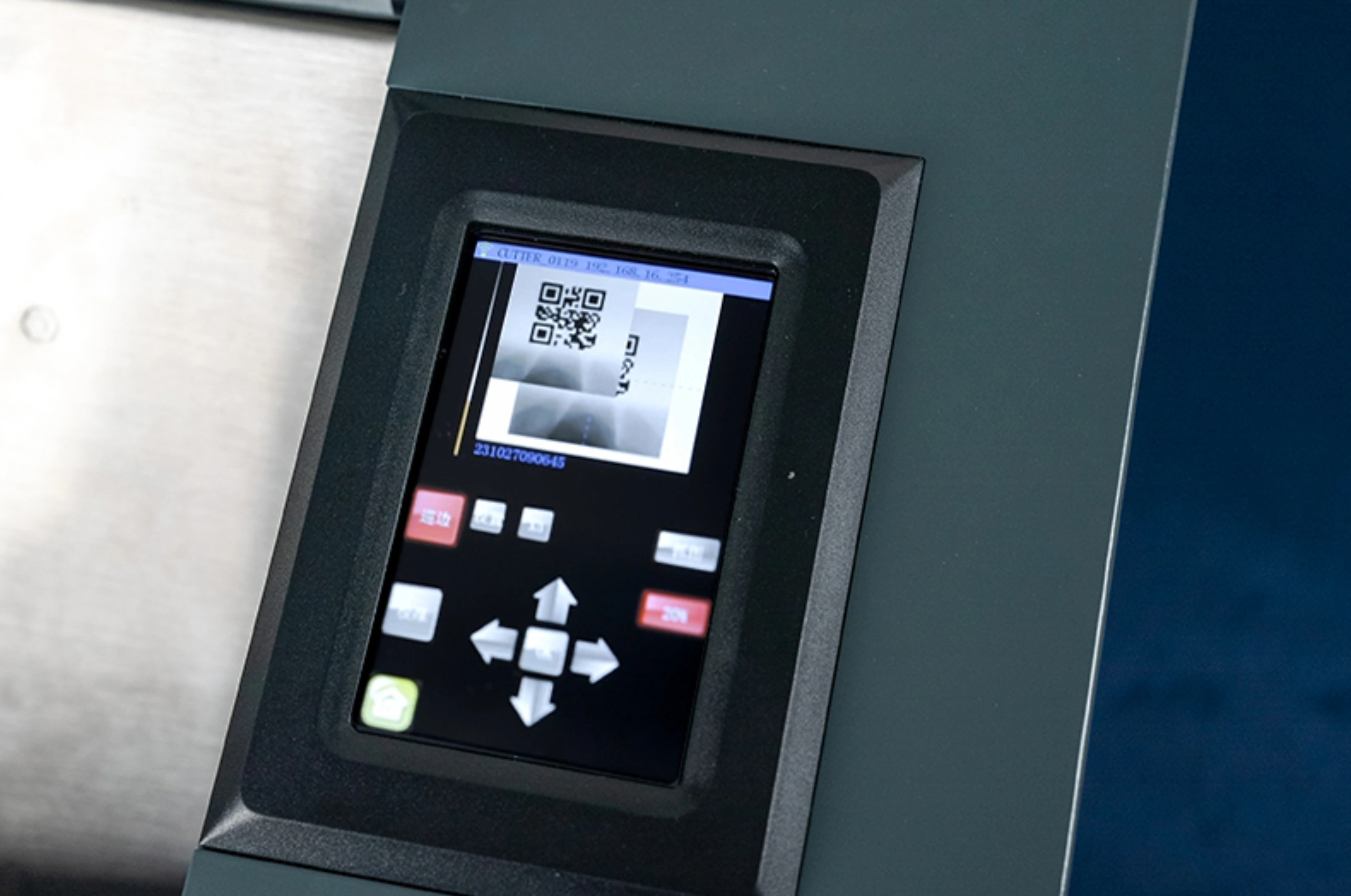
| Print outline misses | Use camera marks; see contour workflow on C / CX |
| Edges stick in the bag | Separate with slip sheets when packing |
Frequently asked questions
Final thoughts
Die cut stickers are through-cut pieces with shaped backing. Use a V24 for solid vinyl and a C / CX camera plotter for printed outlines. Choose kiss cut when stickers should stay on a sheet. For sheet peels, read kiss cutting machine. For overall cut styles, read vinyl cut.