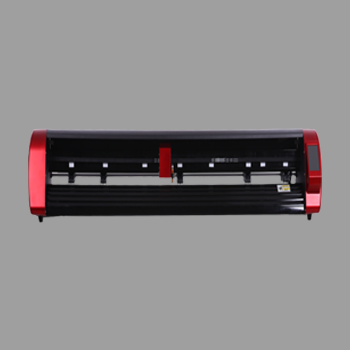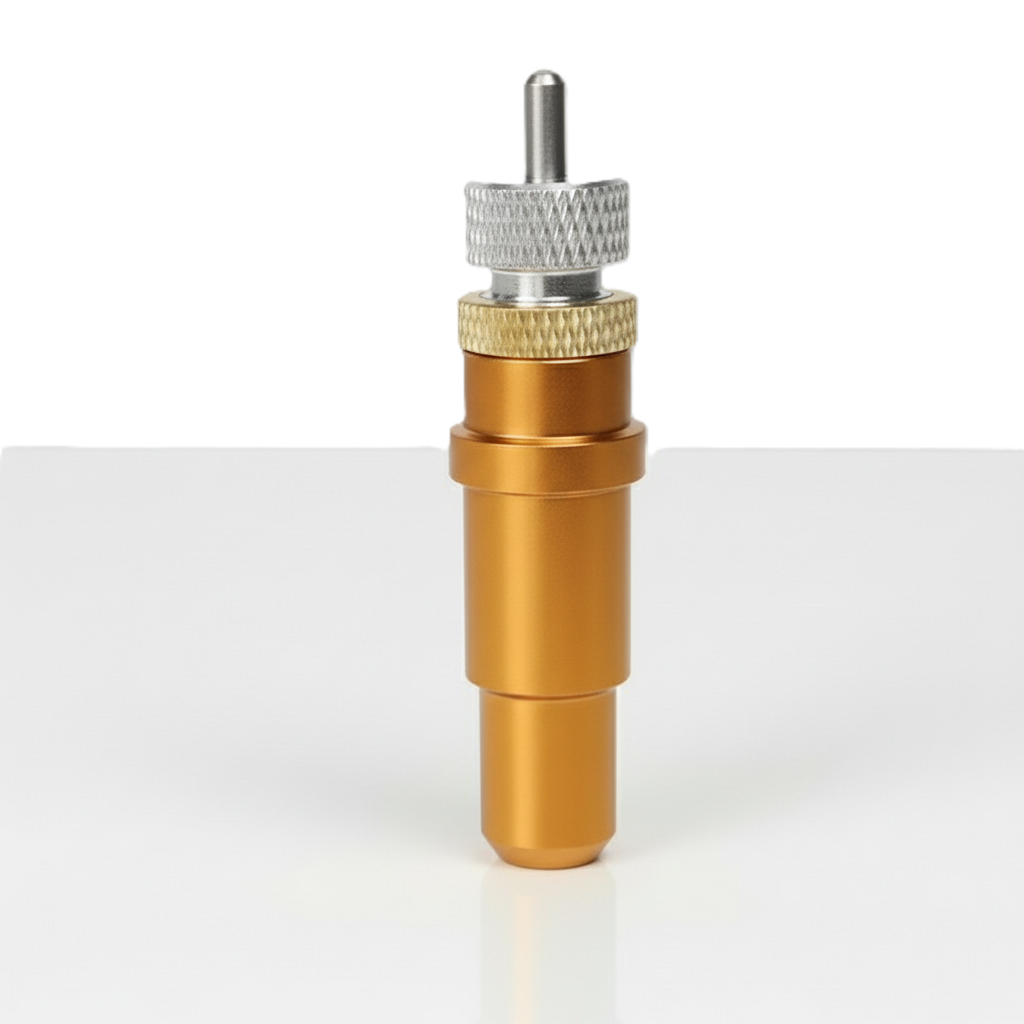
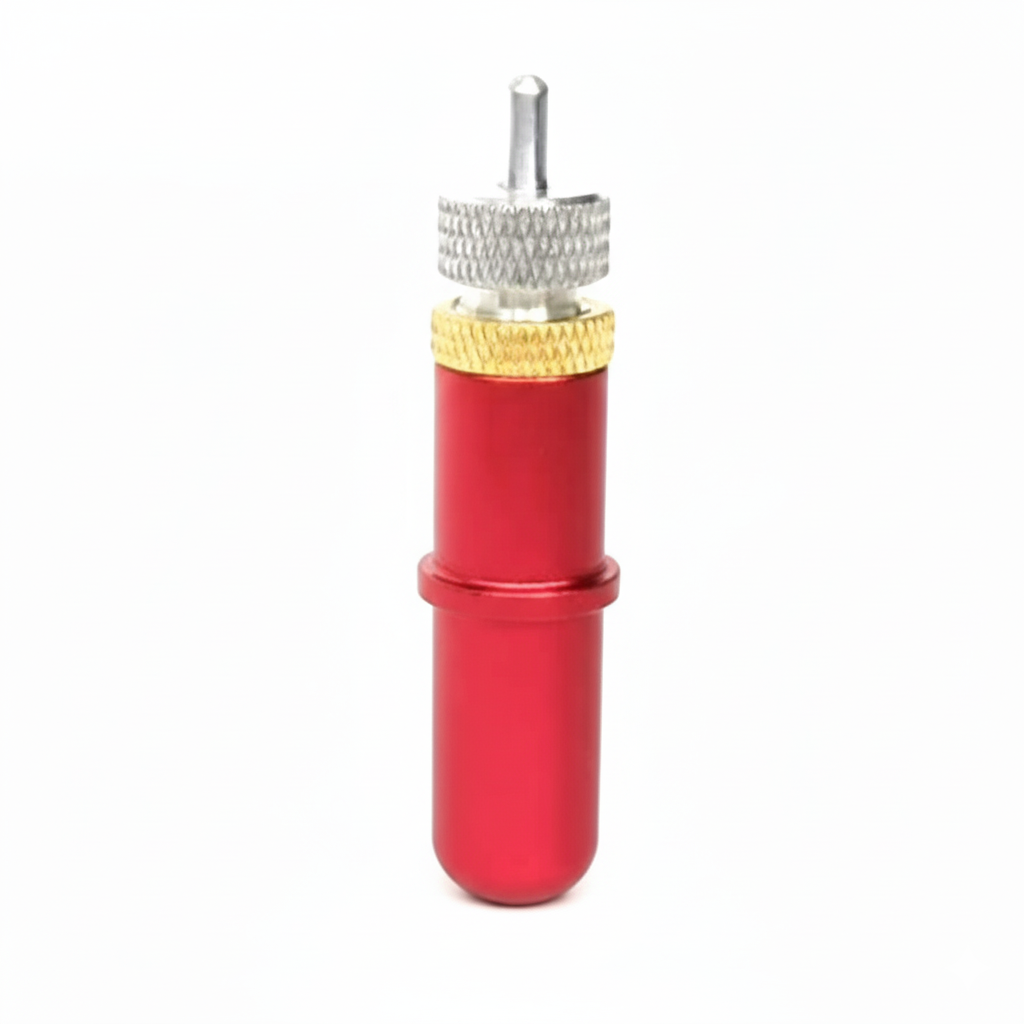
A vinyl cutting blade is the knife tip that actually cuts the film. The plotter moves the holder; the blade does the work. Wrong angle, dull tip or too much expose and letters tear, refuse to weed or slice the liner.
This guide from Skycut India covers which blade to use for vinyl, how to set depth, and when to replace it. Full job settings stay in cutting vinyl. Pressure settings stay in cutting force.
Quick answer
- Everyday vinyl: 45° blade, short tip, lowest force that weeds.
- Fine thin detail: 30° blade.
- Thick reflective film: often 60° – see radium cutting.
- Replace early when force creeps up or corners tear. Do not push a dull tip harder.
What a vinyl cutting blade is
The blade is a small angled tip that sits in the holder on the carriage. As the plotter follows your vector path, the tip swivel-cuts the vinyl face. For stickers and lettering you usually kiss-cut: face and adhesive cut, liner left so pieces stay on the sheet until you weed.
It is a consumable. The machine can be perfect and still cut badly if the tip is worn or set too long. Keep spare blades next to the plotter the same way you keep spare vinyl rolls.
Blade angles for vinyl
Fine detail
Thin film, small text and intricate shapes on light vinyl.
Everyday vinyl
Sign vinyl, sticker vinyl, labels and most HTV jobs.
Thick film
Radium, heavy stencil and materials where a steeper tip digs cleaner.
Start every new vinyl brand with a 45° tip and a test square. Change angle only when the material or detail demands it.
Fit and set the blade
Pick the angle
Use 45° for standard vinyl. Keep 30° for fine thin film and 60° for thick reflective work.
Fit the blade in the holder
Insert the tip so it seats firmly. Clean adhesive from the holder so the blade can swivel.
Set tip depth
Expose only enough tip to cut the face and adhesive. The liner must stay mostly intact.
Run a test cut
Cut a small shape. Weed it. Raise force only if depth is already correct and the cut is still light.
Replace when dull
Change the blade when corners tear or force creeps up. Do not force a worn tip harder.
Clean adhesive from the holder so the tip can rotate. A sticky holder scrapes instead of swivels and ruins corners on vinyl lettering.
Need blades or a plotter for vinyl?
Tell us your machine and material. We will advise on blades and share the current Skycut price.
When to replace it
- Rounded or torn corners on letters that used to cut clean.
- Force creeping up on the same vinyl brand and thickness.
- Incomplete cuts even after depth is correct.
- After abrasive jobs such as glitter vinyl or long radium runs – change before the next fine vinyl job.
Blade vs cutting force
| Vinyl cutting blade | Cutting force | |
|---|---|---|
| What it is | Tip angle, sharpness and how far it sticks out | How hard the head presses (grams) |
| Fix first | Fresh tip + correct depth | Raise only after depth is right |
| Wrong fix | Leaving a dull tip and pushing force | Max force with a long tip slicing the liner |
Depth first, force second. More on pressure in cutting force. The wider shop workflow is in professional cutting guide.
Common blade problems
| What you see | What to change |
|---|---|
| Liner cut through | Shorten tip depth; then lower force if needed |
| Will not weed | Check depth; raise force slightly; confirm tip is sharp |
| Jagged corners | Fresh blade; clean holder; slow the job |
| Thin vinyl tears | Try 30° or 45°; reduce force; avoid 60° on thin film |
| Radium half-cuts | Sharper / steeper tip; see radium cutting |
Everyday shop machines for vinyl lettering are the V24 and VH Series. Call +91 9990391515 or send an enquiry.
Frequently asked questions
Final thoughts
A good vinyl cutting blade is sharp, correctly angled and barely exposed. Stock 45° tips for daily vinyl, set depth before force, and replace the tip before you blame the plotter. For material settings, read cutting vinyl. For machine choice, read vinyl cutting plotter.