.webp)
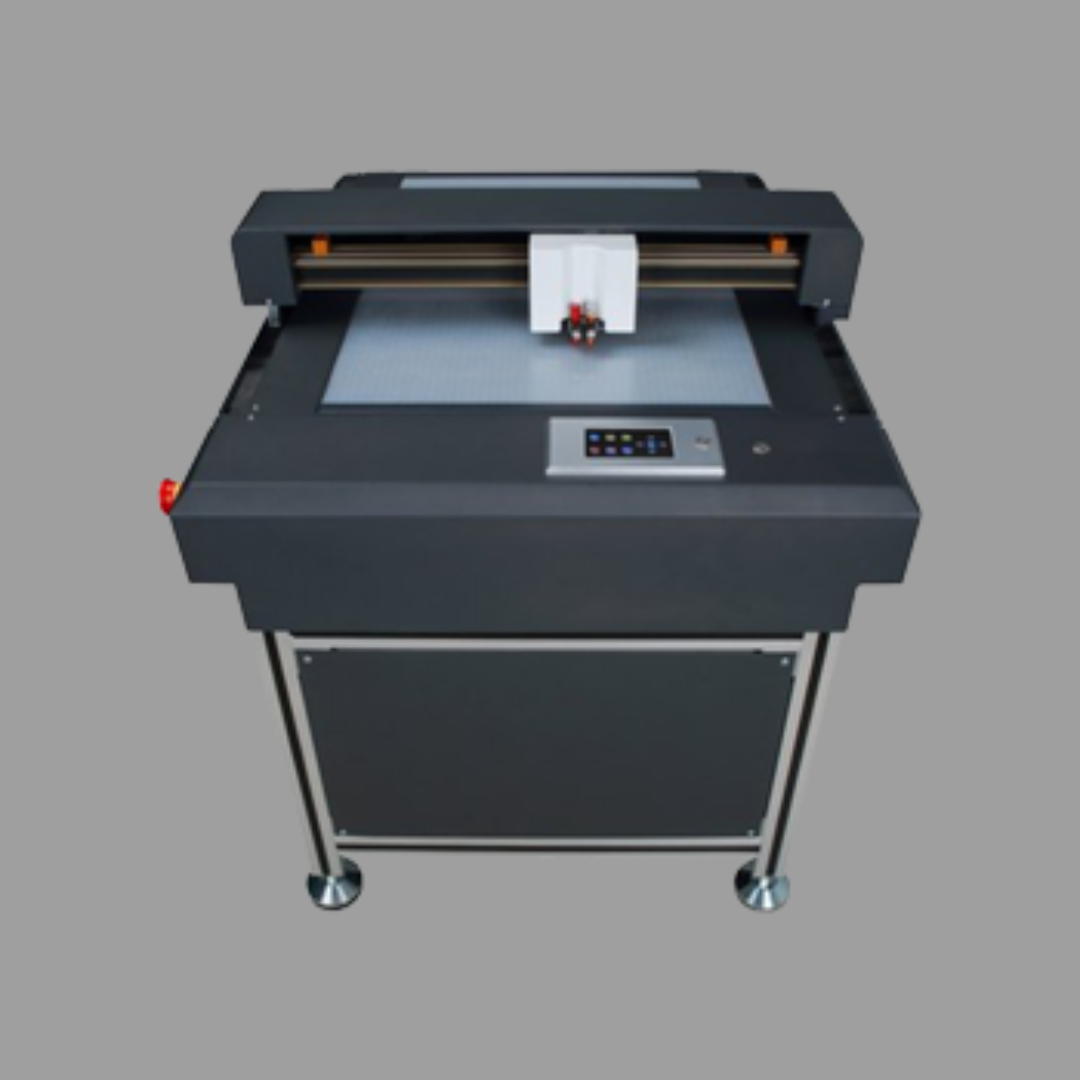
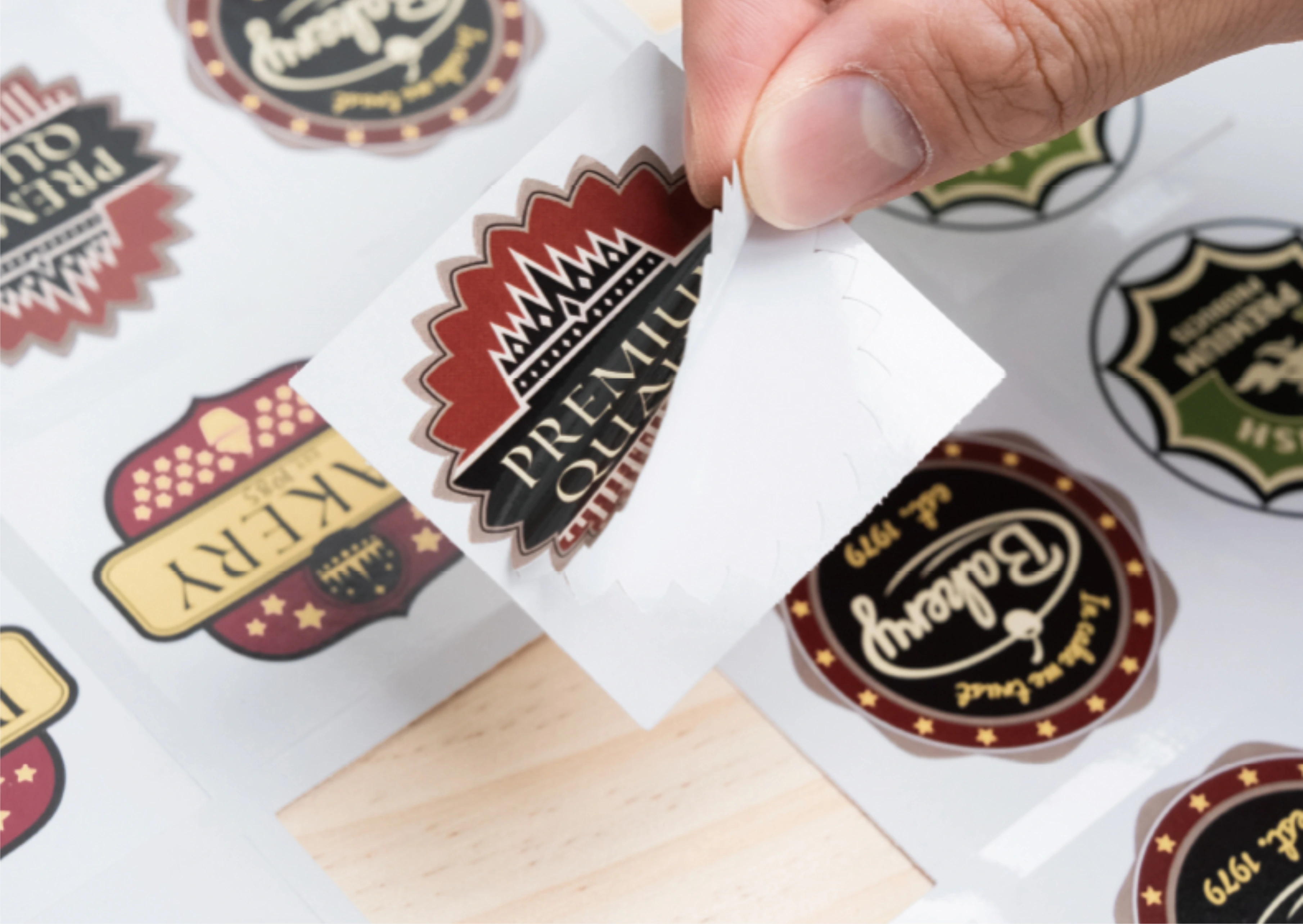
Sticker making is the workflow from design to peel-ready sticker: file setup, print when needed, kiss cut, weed and apply. The cutter shapes the sticker. Colour either comes from the vinyl roll or from a printer first.
This how-to from Skycut India walks through both paths and the machines that fit each one. Buying a cutter is in sticker machine. Matching by sticker type is in sticker cutting machine.
Quick answer
What sticker making is
Sticker making is production, not just owning a plotter. A clean file, the right media, a kiss cut that does not slash the liner, and careful weeding decide whether the sticker looks shop-ready.
Material types are covered in vinyl sticker. This page focuses on the steps you repeat every job.
Solid vinyl vs printed
| Solid vinyl sticker making | Printed sticker making | |
|---|---|---|
| Colour source | Coloured vinyl roll | Printer first |
| Camera needed? | No | Yes – for outline registration |
| Typical products | Names, logos, radium shapes | Photo stickers, branded die-cuts |
| Skycut start | V24 | C / CX |
How to make stickers
Prepare a cut-ready file
Convert text to curves. Keep closed shapes. For printed stickers, place registration marks the camera can read.
Choose solid vinyl or print first
Solid colour comes from the roll. Full-colour stickers are printed, then cut. Do not skip marks on printed sheets.
Load media and set a kiss cut
Load the roll or sheet. Test so the blade cuts the face and leaves the liner. Adjust force before the full job.
Cut and weed
Run the job. Peel waste vinyl away from the design. Check small letters lift cleanly.
Transfer or leave on the liner
Apply with transfer tape, or sell kiss-cut stickers still on the sheet for the customer to peel.
Force and blade tips are in cutting force and cutting vinyl.
Starting sticker making?
Tell us solid vinyl, printed stickers or both. We will suggest a Skycut setup and share the price.
Tips for clean peels
- Test a corner first. One small sticker saves a wasted roll.
- Keep letters large enough to weed. Tiny gaps trap waste vinyl.
- Use fresh blades on radium and thick film. Dull tips tear instead of cut.
- Do not over-cut the liner. A sliced backing makes weeding and application harder.
- Square printed sheets before camera cutting so marks sit in the same place every time.
.webp)
Which Skycut machine
| Sticker making job | Machine |
|---|---|
| Solid vinyl names and logos | V24 |
| All-day roll volume | VH Series |
| Printed contour stickers | C24 / CX16 / CX24 |
| Stacked identical sticker sheets | A Series |
Call +91 9990391515 or send an enquiry with the sticker types you sell most.
Common problems
| What you see | What to change |
|---|---|
| Waste will not lift | Raise kiss-cut force slightly; check blade sharpness |
| Liner is sliced | Lower force; confirm kiss cut, not through cut |
| Printed cut misses the art | Add clear registration marks; use a camera model |
| Small letters tear | Enlarge gaps; slow the cut; weed with care |
| Radium frays | Sharper blade, more force, slower speed – see radium cutting |
Frequently asked questions
Final thoughts
Sticker making succeeds when the file is clean, the kiss cut leaves the liner, and weeding is easy. Use the V24 for solid vinyl. Use a C or CX camera for printed outlines. For which cutter to buy, read sticker machine. For type matching, read sticker cutting machine.
.webp)