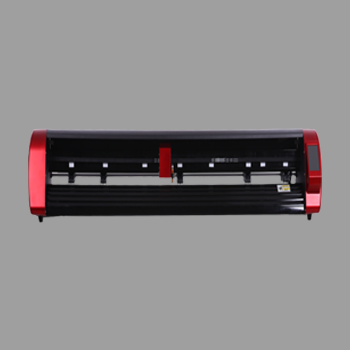
A digital label is a label produced for short runs and frequent artwork changes: digitally printed, then kiss-cut so it peels from the liner. You change the file instead of waiting for a new die every time the SKU or size changes.
This guide from Skycut India explains what digital labels are, how they differ from conventional long-run labels, and which Skycut finisher completes the cut. How to cut safely is in label cutting. Machine choice is in label cutting machine.
Quick answer
What a digital label is
In a print shop, a digital label is identification or branding media made without steel-die tooling for every outline. Colour comes from a digital printer. The outline comes from a cutting plotter or sheet cutter that follows a vector path.
That combination lets shops sell ten designs today and ten new sizes tomorrow. The label still needs a clean kiss cut so text and barcodes stay readable when the customer peels it.
Digital vs conventional labels
| Digital label | Conventional / die label | |
|---|---|---|
| Artwork change | New file, print and cut | Plates / dies for each design |
| Best volume | Samples to short / mixed runs | Very high repeat volume |
| Finish tool | Plotter / sheet feeder kiss cut | Steel die or rotary die |
| Skycut role | A Series / C / CX after print | Not a die press replacement for mega runs |
Steel vs digital tooling for shapes is also covered in die cutting machine.
Types shops produce
- SKU and barcode digital labels on repeated sheets.
- Product branding labels for jars, bottles and pouches in short runs.
- Shaped digital labels that need camera contour after print.
- Sample and proof labels before a long conventional run.
Product-focused buying language sits in product label machine.
Finishing digital labels?
Tell us batch sheets or shaped prints. We will match an A Series or camera plotter and share the price.
Print then finish
- Design with barcode-safe margins inside the cut line.
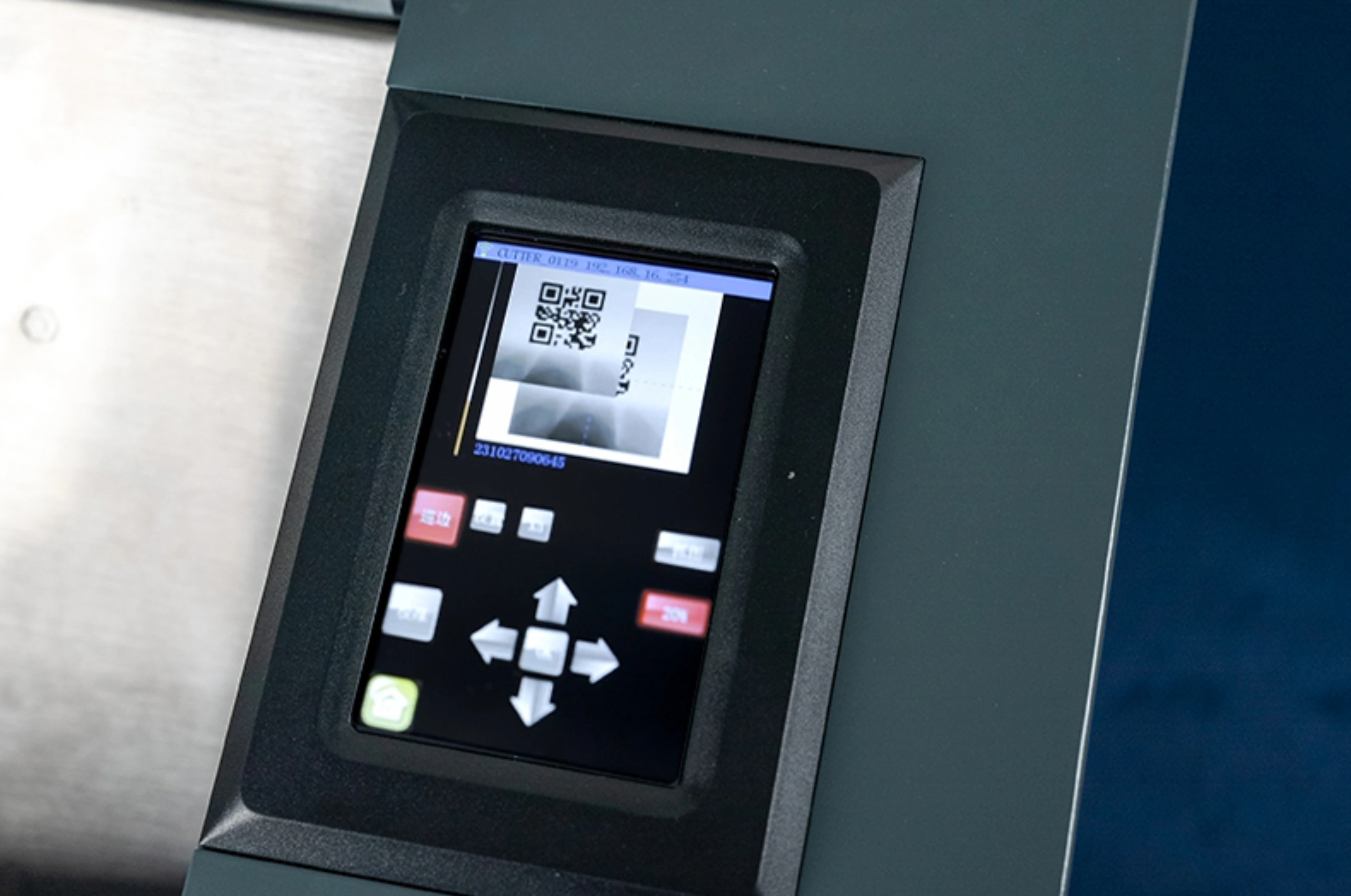
- Print on label stock with registration marks when you use a camera.
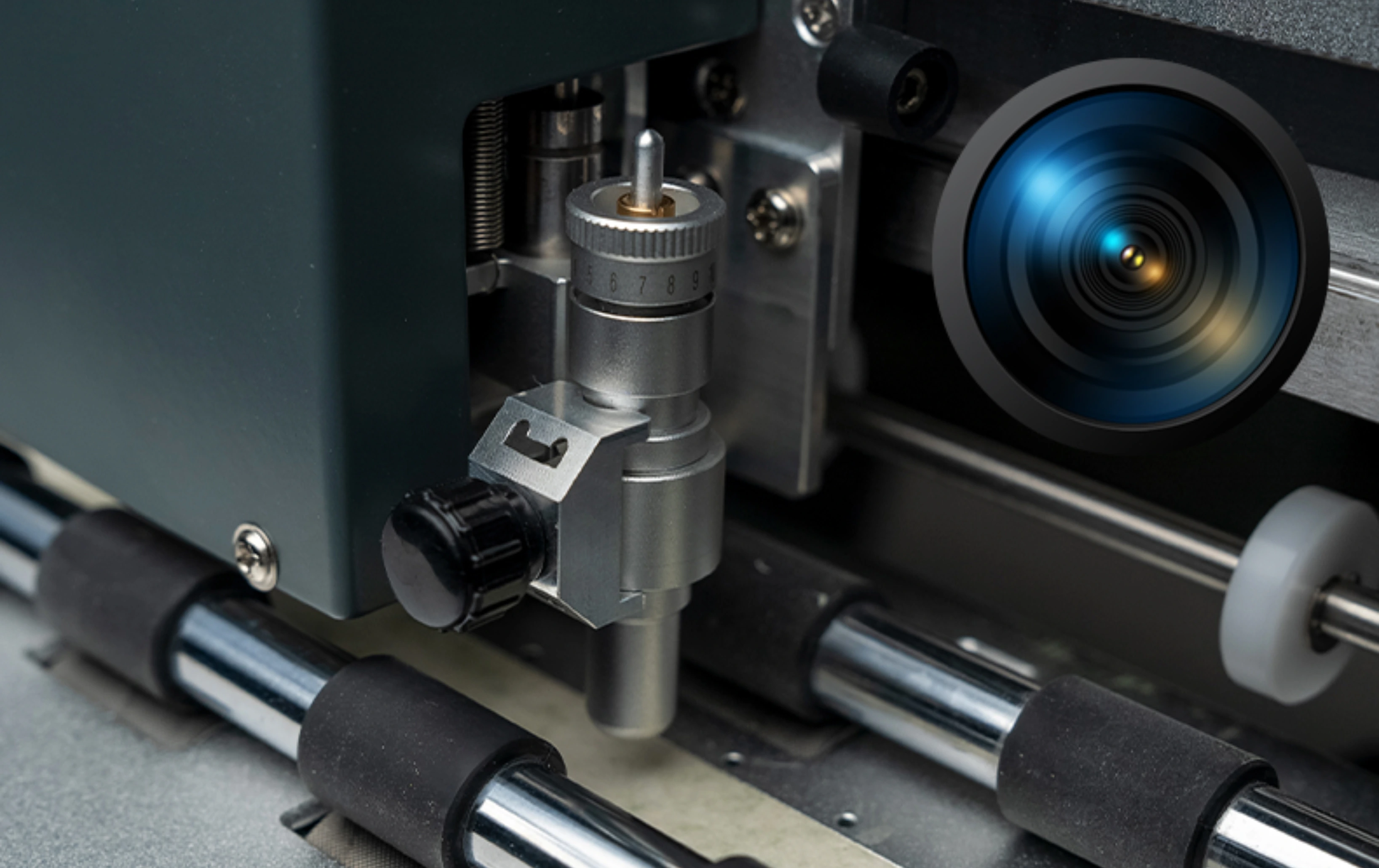
- Kiss-cut on a feeder or camera plotter so the liner stays whole.
- Weed or pack sheets so customers peel cleanly.
Step detail for safe barcodes is in label cutting.
Which Skycut finisher
| Digital label job | Finisher |
|---|---|
| Stacked identical printed sheets | A Series / A3 Max 5 |
| Shaped printed digital labels | C24 / CX |
| Solid-colour roll labels only | V24 |
Call +91 9990391515 or send an enquiry with sheet size and daily volume.
Shop tips
- Keep barcodes inside the kiss-cut with a clear margin.
- Dry ink fully before cutting so sheets do not smear in the feeder.
- One sheet size per stack on an auto feeder.
- Do not buy a packaging flatbed as your only digital label finisher – it is for board, not thin label sheets.
Frequently asked questions
Final thoughts
A digital label wins when designs and SKUs change often: print digitally, kiss-cut on an A Series or C / CX finisher, and ship peels on the liner. For cutting technique, read label cutting. For which cutter to buy, read label cutting machine.