.webp)
A label cutting machine kiss-cuts label stock so product labels, barcode labels and packaging stickers peel cleanly from the liner. For printed work it needs a camera. For repeat sheets it needs a feeder.
This buying guide from Skycut India shows which features matter and how to choose between an A Series feeder and a C / CX camera plotter. The cutting process is in label cutting. Sheet habits are in sheet cutting.
Quick answer
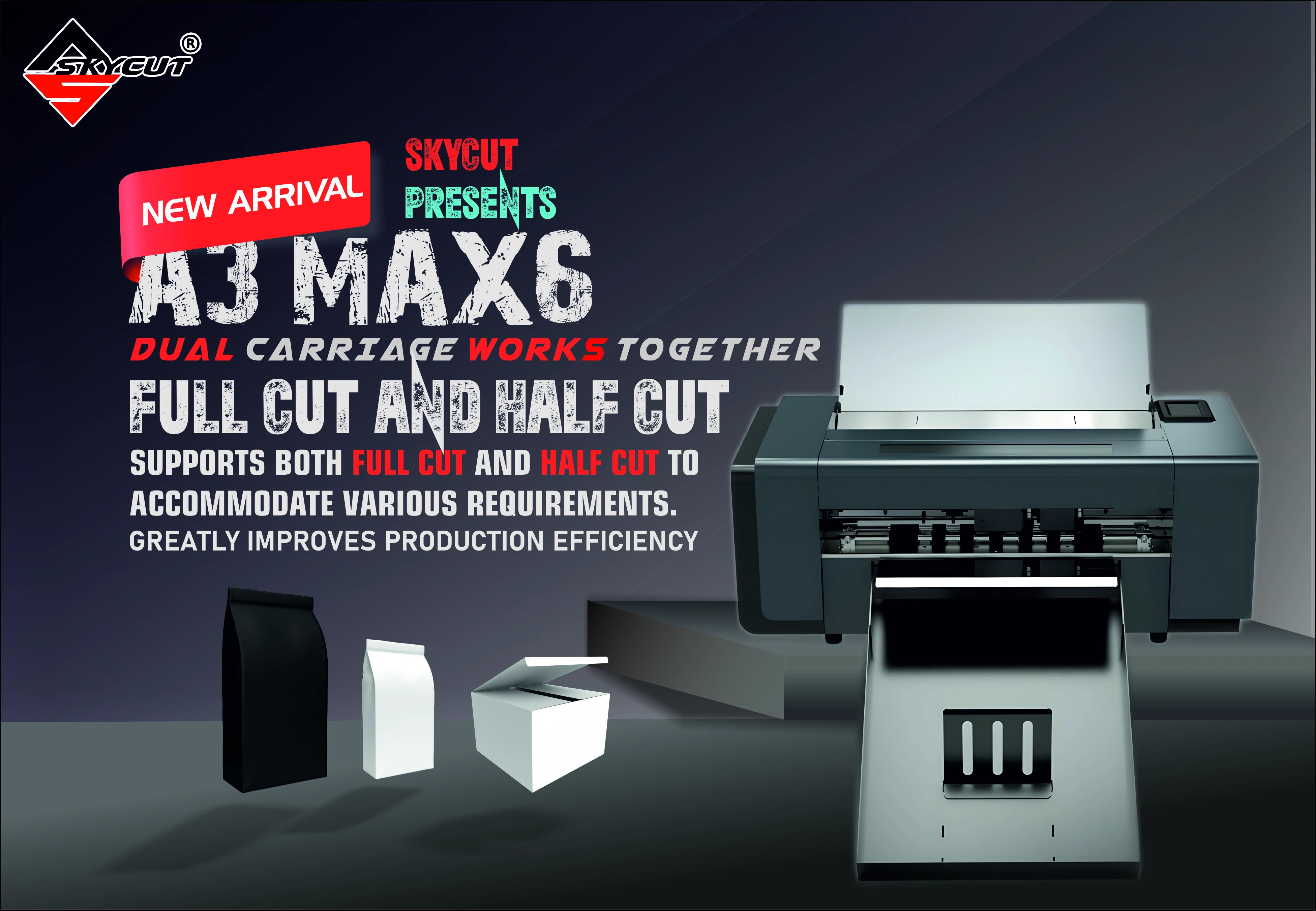
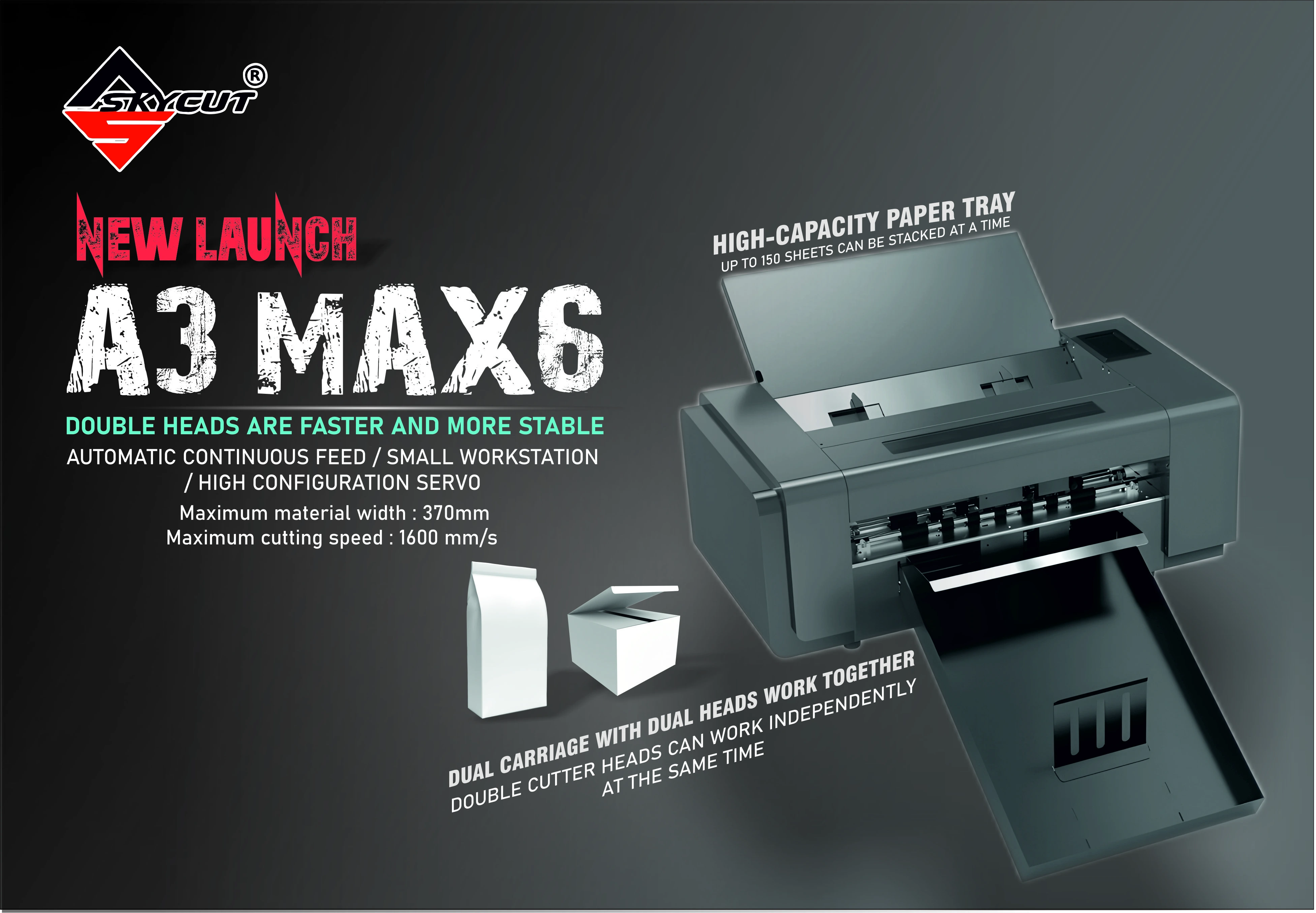
- Batch printed sheets: A Series, often the A3 Max 5.
- Shaped printed labels: C24 or CX16 / CX24.
- Must-have for print-then-cut: camera registration.
- Skip a flatbed for thin label stock. That machine is for board.
What a label cutting machine is
The machine finishes label media after printing, or cuts solid-colour labels from a file. Most commercial jobs are print-then-kiss-cut: the blade follows the printed outline and leaves the liner so the sheet stays together.
Shops search for a label cutting machine when hand weeding or scissors cannot keep up with barcode and product label orders. The right buy depends on whether those labels arrive as stacked sheets or as contour jobs on a camera plotter.
Features that matter
- Kiss-cut control so barcodes stay readable and the liner is not sliced.
- Camera contour cutting for printed outlines.
- Auto feeder when the same sheet layout repeats.
- Sheet size match to your printer (A3-class for A Series).
- Software and marks that your print workflow already uses.
Feeder vs camera vs roll
| Type | Best for | Skycut example |
|---|---|---|
| Sheet auto feeder | Same label sheet, many copies | A3 Max 5 / A3 Max 4 |
| Camera contour plotter | Shaped printed labels and mixed sticker work | C Series / CX Series |
| Roll vinyl plotter | Solid-colour vinyl labels and lettering | V24 / VH Series |
Feeder hardware is covered in auto feeder. Kiss-cut technique is in kiss cutting machine.
Buying a label cutting machine?
Tell us whether you cut stacked sheets or shaped printed labels. We will suggest a Skycut model and share the price.
How to choose
- Count the sheets per day. High repeat volume points to an A Series feeder.
- Check if labels are printed. Printed outlines need a camera.
- Protect barcodes. Confirm kiss-cut settings and margins before you buy for barcode work.
- Match the printer. Sheet width and the cutter width should agree.
- Ask about training with Skycut India. Call +91 9990391515.
Skycut label cutting machines
| Model | Choose it when |
|---|---|
| A3 Max 5 | Batch label sheets, and you may also crease small cartons |
| A3 Max 4 / A3 Max Metal | Stacked sheet label cutting is the main job |
| C24 | Camera contour cutting for printed labels and stickers |
| CX16 / CX24 | Printed labels plus stickers and mobile skins on one camera plotter |
Send an enquiry with your sheet size and daily volume for the current price.
Wrong machine for labels
- Packaging flatbed only – for board cartons, not thin label sheets. See packaging cutting machine.
- Roll plotter with no camera when every label is already printed – the outline will not track the ink.
- Buying for cartons alone and hoping labels will be secondary – prioritise the job that pays the bills first.
Frequently asked questions
Final thoughts
Buy a label cutting machine for the way your labels arrive: stacked sheets on an A Series feeder, or shaped prints on a C Series / CX Series camera plotter. For kiss-cut settings and barcode margins, use label cutting.
.webp)
.webp)