Label cutting finishes product labels, barcode labels and packaging stickers after they are printed. The blade kiss-cuts the face so each label peels from the liner. That is the job print shops and packaging counters run every day.
This guide from Skycut India covers how label cutting works, how it differs from decorative stickers, and which machine fits batch sheets vs shaped contour labels. Sheet process detail is in sheet cutting. Kiss-cut basics are in kiss cutting machine.
Quick answer
- Label cutting is usually print first, then a kiss cut on the outline.
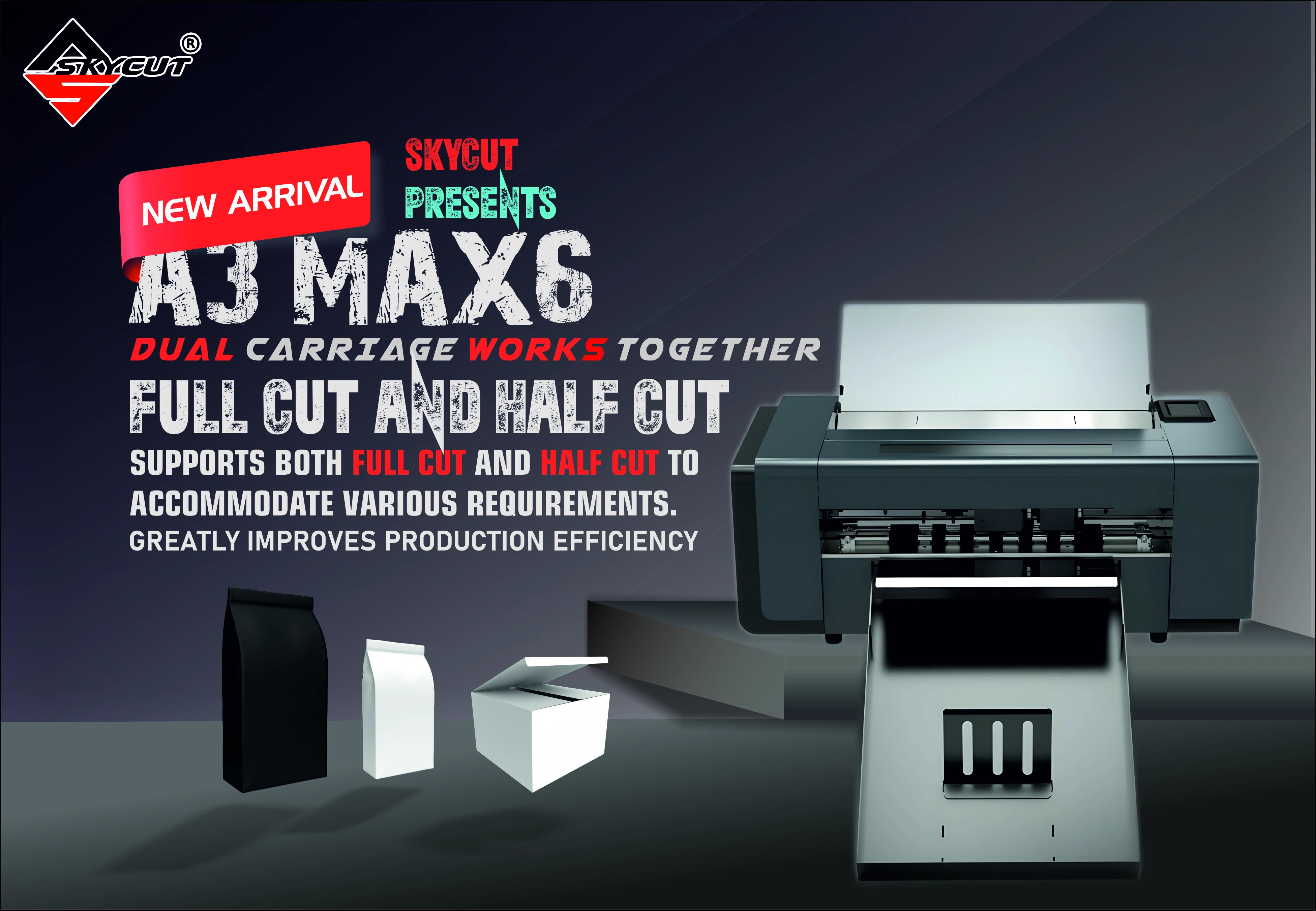
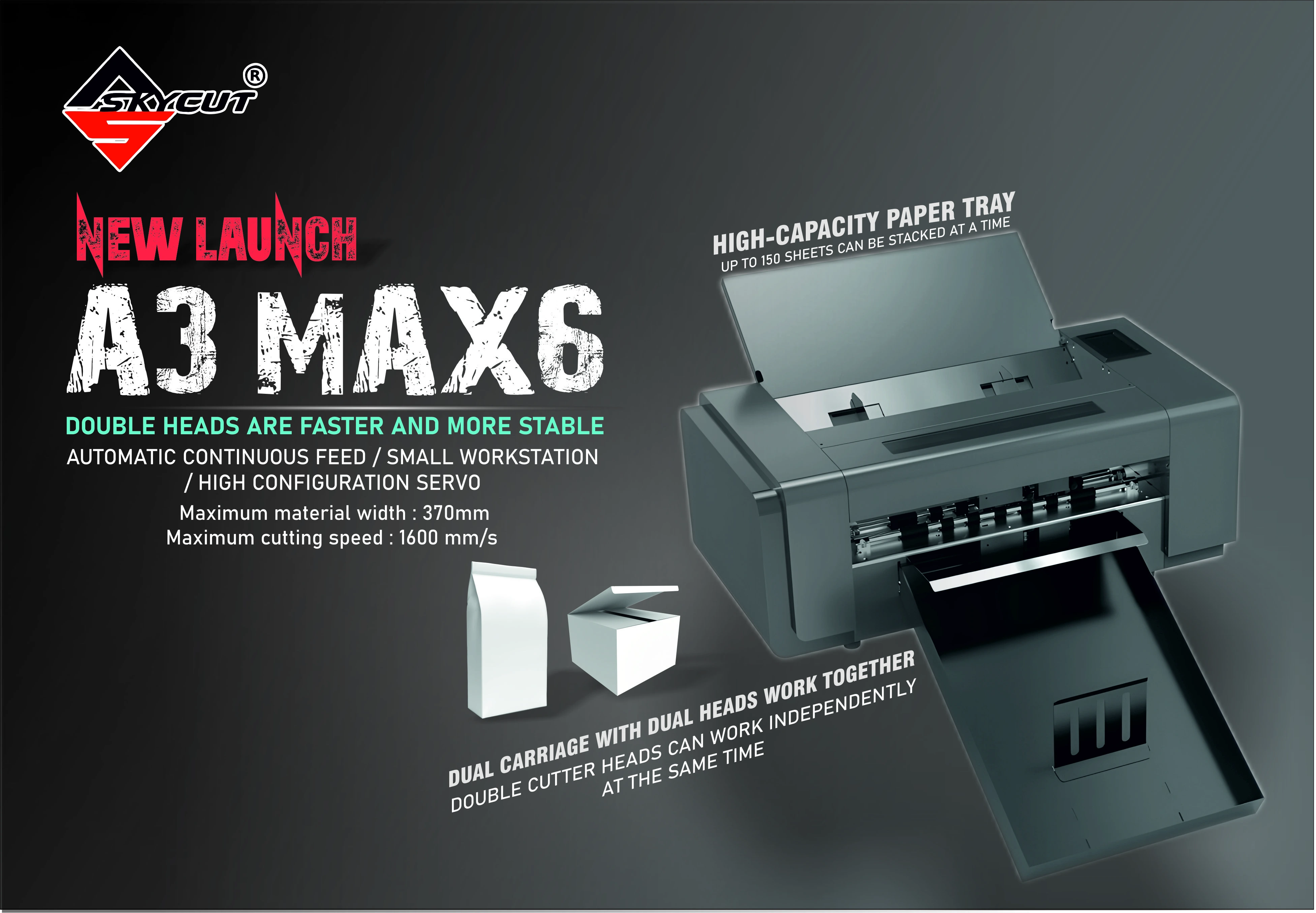
- Batch sheets: A Series auto feeder, often the A3 Max 5.
- Shaped printed labels: camera C Series or CX16 / CX24.
- Keep barcodes inside the cut line with a clear margin.
What label cutting is
A label job starts on the printer. The sheet carries many copies of the same label, or a set of related SKUs. The cutter then follows the outline so each label can peel without tearing the text or the barcode.
Most label cutting is a kiss cut: through the face and adhesive, not through the liner. The sheet stays together for packing and shipping. Through cuts are for hang tags and pieces that must fall free.
Labels vs stickers
| Label cutting | Decorative sticker cutting | |
|---|---|---|
| Content | Product info, barcodes, QR, branding | Names, logos, graphics |
| Typical media | Printed label sheets | Vinyl roll or printed sticker sheets |
| Cut type | Mostly kiss cut on the liner | Kiss cut or contour cut |
| Volume pattern | Same layout repeated | Often one-off or short runs |
| Skycut fit | A Series feeder / C Series camera | V24, VH, C / CX, or A Series |
How a label job runs
Design for the peel
Keep text and barcodes inside the cut line. Leave a clean margin so the blade does not trim the code.
Print with registration marks
Every sheet in the job needs marks in the same place for contour label cutting.
Kiss cut the face
Cut the label layer and leave the liner. Test one sheet until labels peel cleanly.
Weed only if needed
Sheet labels often stay on the liner for the customer. Weed waste only when the layout requires it.
Run the stack
When the layout repeats, load the feeder and let the cutter take the next sheet.
Cutting label sheets every day?
Tell us the sheet size and how many copies you run. We will suggest a Skycut label cutter and share the price.
Kiss cut labels
- Depth: cut the face, leave the liner. A light mark on the liner is enough.
- Peel test: one label should lift cleanly without tearing the next label.
- Barcode safety: do not place the cut line through bars or QR modules.
- Force: start low and raise until the peel is clean. See cutting force.
.webp)
Machines for label cutting
| Label work | Skycut fit |
|---|---|
| Same A3 / A4 label sheet, many copies | A3 Max 5 or other A Series |
| Shaped printed labels, contour cut | C24 / CX16 / CX24 |
| Solid-colour vinyl labels from a roll | V24 / VH Series |
Feeder stack tips are in auto feeder. Call +91 9990391515 or send an enquiry for the current price.
Common problems
| What you see | What to change |
|---|---|
| Label will not peel | Kiss cut too shallow. Raise force or check blade depth |
| Barcode is sliced | Cut path is too tight. Add margin inside the outline |
| Cut misses the print | Registration marks moved or a mixed sheet entered the stack |
| Liner is cut through | Reduce blade depth. Labels should stay on the sheet |
| Slow on repeat sheets | Move the job to an A Series feeder instead of hand-loading |
Frequently asked questions
Final thoughts
Clean label cutting is a kiss cut that peels without damaging text or barcodes. Use the A Series when the same sheet repeats all day, and a camera C Series or CX Series when the outline must follow a printed shape. Roll lettering stays on a vinyl plotter.
.webp)
.webp)