.webp)
If you make stickers, labels or vinyl decals, you've probably heard the term kiss cutting. A kisscutting machine (usually written kiss cutting machine) is what turns a plain sheet of vinyl or printed sticker paper into neat, peel-off stickers – without cutting the backing that holds them together.
In this guide, the team at Skycut India explains exactly what kiss cutting is, how the machine does it, how it compares with die cutting, what you can make with it, which machine suits your work, and how to dial in a perfect kiss cut every time.
Quick answer
A kiss cutting machine is a cutting plotter set to cut only the top layer of a self-adhesive material, leaving the backing liner intact.
- Plain vinyl & lettering: Skycut V Series roll plotter.
- Printed stickers & labels: Skycut C Series camera contour plotter.
- Bulk A3/A4 sticker sheets: Skycut A3 Max auto-feeder.
What is kiss cutting?
Most sticker materials have three layers: a face layer (the vinyl or printed paper), a thin adhesive, and a backing liner. Kiss cutting means the blade cuts through the face layer and adhesive but only “kisses” the liner – it touches it without cutting through.
In a kiss cut, the blade line stops at the liner.
The result: every sticker stays in place on the sheet or roll until you peel it. That makes kiss cut stickers easy to handle, pack, sell as sheets and apply – and it's why kiss cutting is the most common way stickers and labels are made.
How a kiss cutting machine works
A modern kiss cutting machine is a computer-controlled cutting plotter. Here's what happens during a job:
- Design: you create or import your sticker design in software such as SignMaster, CorelDRAW or Adobe Illustrator.
- Registration (for printed work): the software adds registration marks around the design before you print it.
- Loading: the sheet or roll is loaded and gripped by pinch rollers (or fed automatically by an auto-feeder).
- Reading marks: on contour machines, a camera or sensor locates the marks and corrects for any print shift or skew.
- Cutting: a swivel blade moves along the outline with a precise depth and force, cutting the face layer only.
- Finishing: excess material is weeded away, or the sheet is sold as-is for customers to peel.
Kiss cut vs die cut vs through cut
The same machine can usually do all three by changing the blade depth, force and number of passes:
Kiss cut
Cuts the face layer only. Stickers stay on a shared backing sheet.
Best for: Sticker sheets, labels on rolls, vinyl lettering
Die cut
Cuts through face and backing along the sticker shape. Each sticker has its own backing.
Best for: Individual logo stickers, giveaways, packaging inserts
Through cut
Cuts completely through the material, often as a separate outer cut after kiss cutting.
Best for: Separating sheets, cut-out cards, tags
Pro tip: many sticker makers combine both – a kiss cut around each sticker and a through cut around the whole sheet. This gives neat, ready-to-sell sticker sheets in one job.
What can you make with a kiss cutting machine?
Product labels
Jar, bottle, cosmetic and food labels cut on rolls or sheets.
Sticker sheets
Planner stickers, kids' stickers, emoji and brand sticker packs.
Logo & promotional stickers
Branding stickers for shops, events and packaging.
Vinyl decals & radium
Vehicle graphics, name stickers and reflective radium work.
Mobile skins
Precisely cut back skins and laptop skins on printed film.
Heat transfer vinyl
T-shirt designs where the carrier sheet must stay uncut.
Looking for a kiss cutting machine?
Tell us what stickers or labels you make and we'll recommend the right machine with today's best price.
Choosing the right kiss cutting machine
Every good cutting plotter can kiss cut. The real question is what you kiss cut and how much. Here are the Skycut machines we recommend:
Skycut C24 / CX16 / CX24
A built-in camera reads registration marks and kiss cuts accurately around printed designs. Ideal for print shops, sticker brands and mobile skin stores.
Skycut A3 Max Series
An auto-feeder loads A3/A4 printed sheets one after another and kiss cuts each one automatically, so you can produce large label and sticker orders with minimal supervision.
Skycut V Series
Roll plotters that kiss cut vinyl lettering, decals, radium and heat transfer vinyl. An affordable and reliable first machine.
Skycut VH Series
Servo motors give fast, smooth and quiet kiss cutting over long runs, perfect for shops cutting vinyl and labels all day.
What to look for in a kiss cutting machine
- Fine depth and force control – the heart of consistent kiss cuts.
- Camera contour system – essential if you print before cutting.
- Stable tracking – so cuts stay aligned across long rolls.
- Auto-feeder option – for high-volume sheet production.
- Software support – works with your design tools and adds registration marks easily.
- Local service, blades and training – available through our branches and dealers.
Comparing machines more broadly? Read our guides to the best cutting plotter machine in India and choosing a sticker cutting plotter.
How to set a perfect kiss cut
Even the best kiss cutting machine needs the right settings. Follow these steps for every new material:
Set the blade depth
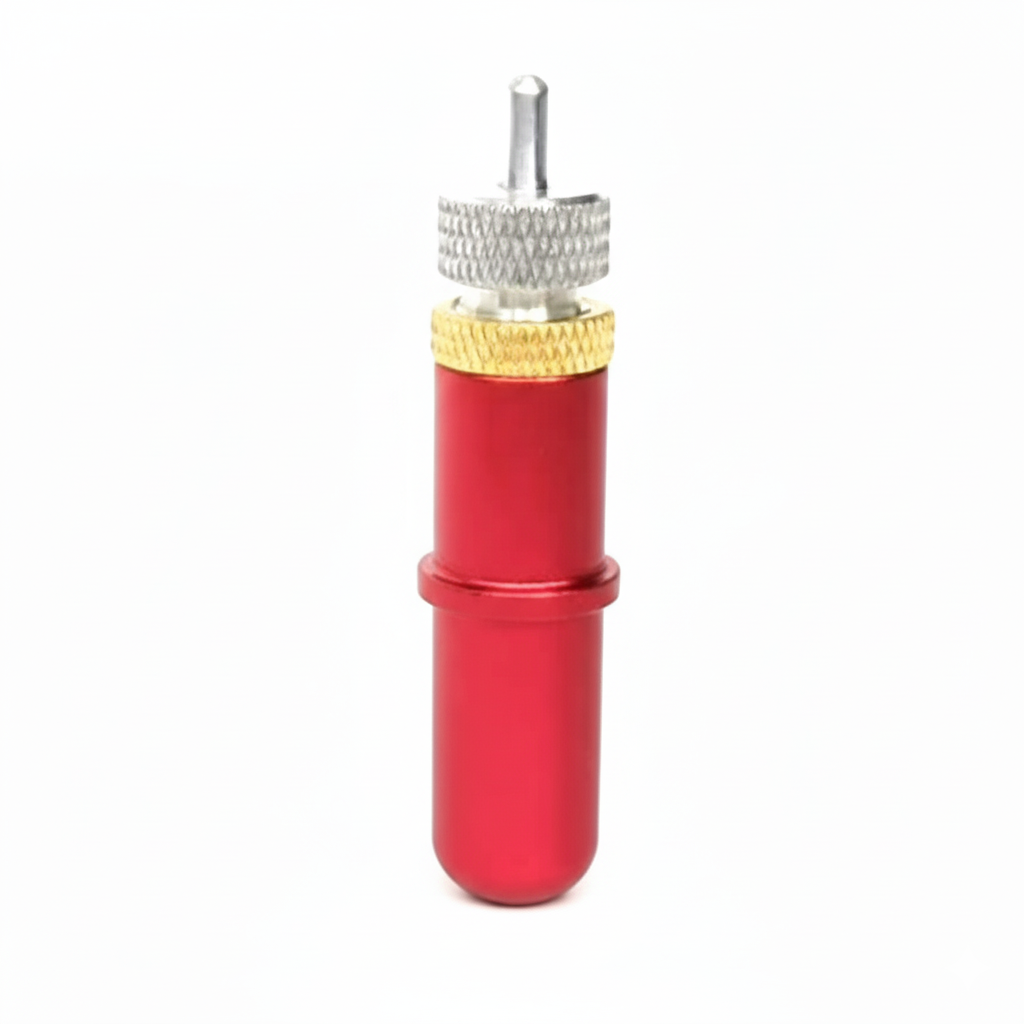
Adjust the blade holder so the tip extends just past the thickness of the face layer. A good rule: the blade should barely show when you run a fingernail across the holder tip.
Choose a starting force
Start low. It is easier to add force than to recover a job that cut through the liner.
Run a test cut
Most plotters have a test-cut function. Cut a small shape and peel it.
Check the result
The sticker should lift cleanly, and the liner should show only a faint score line when bent.
Fine-tune and save
Adjust force in small steps, then save the settings as a preset for that material.
Kiss cutting troubleshooting
| Problem | Likely cause | Fix |
|---|---|---|
| Cutting through the liner | Blade too deep or force too high | Reduce blade depth, lower force, test again |
| Stickers won't peel | Force too low or dull blade | Increase force slightly or replace the blade |
| Rounded or torn corners | Wrong blade offset or dull blade | Set the correct blade offset, fit a fresh blade |
| Cut misses the printed outline | Marks not read correctly or sheet skewed | Clean the camera, reprint marks clearly, load the sheet straight |
| Uneven cut across the sheet | Worn cutting strip or uneven pinch roller pressure | Replace the cutting strip, check pinch rollers |
Frequently asked questions
Final thoughts
A kiss cutting machine is the simplest way to produce professional, peel-off stickers and labels on demand – no expensive dies, no minimum order quantities. Choose a camera contour plotter for printed work, an auto-feeder for bulk sheets, or a roll plotter for vinyl, and master the blade depth and force settings for flawless results.
.webp)
.webp)
.webp)