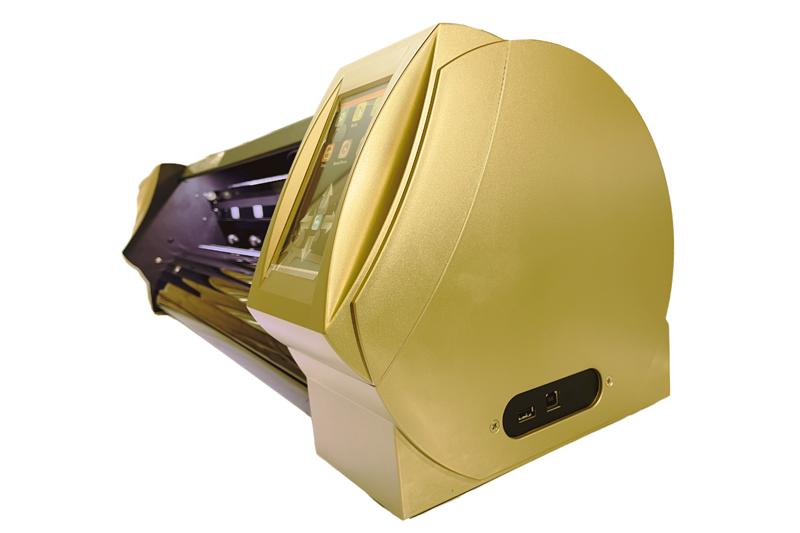
A manual feed plotter machine is a cutting plotter where you load the media yourself. You square a vinyl roll in the pinch rollers, or place a printed sheet for a contour cut. There is no A Series-style tray that pulls the next sheet from a stack.
This guide from Skycut India explains when manual feed is enough, how it differs from an auto feeder cutting plotter, and which Skycut V24, VH or C / CX setup to ask about. Series overview sits in Skycut plotter machine.
Quick answer
What a manual feed plotter machine is
Every cutting plotter moves a blade on vector paths. On a manual feed plotter machine, media entry is the operator’s job: load the roll, set origin, send the file, weed the cut. Camera models still read registration marks — you just place each sheet or printed roll segment yourself instead of filling a feeder tray.
It is still a blade plotter, not a laser and not a printer. Colour comes from vinyl film or a separate print. The plotter only cuts. Wider type context is in cutting plotter.
vs auto feeder plotter
| Manual feed plotter machine | Auto feeder plotter | |
|---|---|---|
| Who loads media | Operator, each roll or sheet | Stack tray between sheets |
| Typical media | Vinyl / radium rolls; one-off sheets | Repeat printed sheet stacks |
| Best volume | Mixed and short-to-medium runs | High sheet counts of the same layout |
| Skycut examples | V24, VH, C / CX | A3 Max 4 / Metal / 5 |
Feeder buying detail is in auto feeder cutting machine. How a tray runs is in auto feeder.
Jobs that fit
- Solid vinyl names and logos from a roll – classic V24 / VH work.
- Radium and reflective film when force and blade match the stock.
- Printed contour stickers on C / CX when volume is a few sheets or a printed roll, not a full tray stack.
- Mixed daily jobs where media changes often and a feeder tray would sit empty.
Roll vinyl focus is also in vinyl cutting plotter. If stacks never stop, skip manual feed and read the auto feeder plotter guide instead.
Looking for a manual feed plotter machine?
Tell us vinyl, radium or printed contour work. We will match V24, VH or C / CX and share the price.
How to choose
Match jobs to feed style
Vinyl rolls and mixed short jobs fit manual feed; huge printed sheet stacks fit an auto feeder.
Pick roll or camera
Solid lettering → V24 / VH. Printed outlines → C / CX with registration marks.
Load media correctly
Square the roll or sheet, set pinch pressure, and test a small cut before a full run.
Set force and speed
Adjust for vinyl, radium or sticker paper — do not copy laser or craft-cutter habits.
Upgrade when volume grows
Add an A Series feeder only when daily stacks make hand-loading the bottleneck.
Skycut options
| Model | Manual feed role |
|---|---|
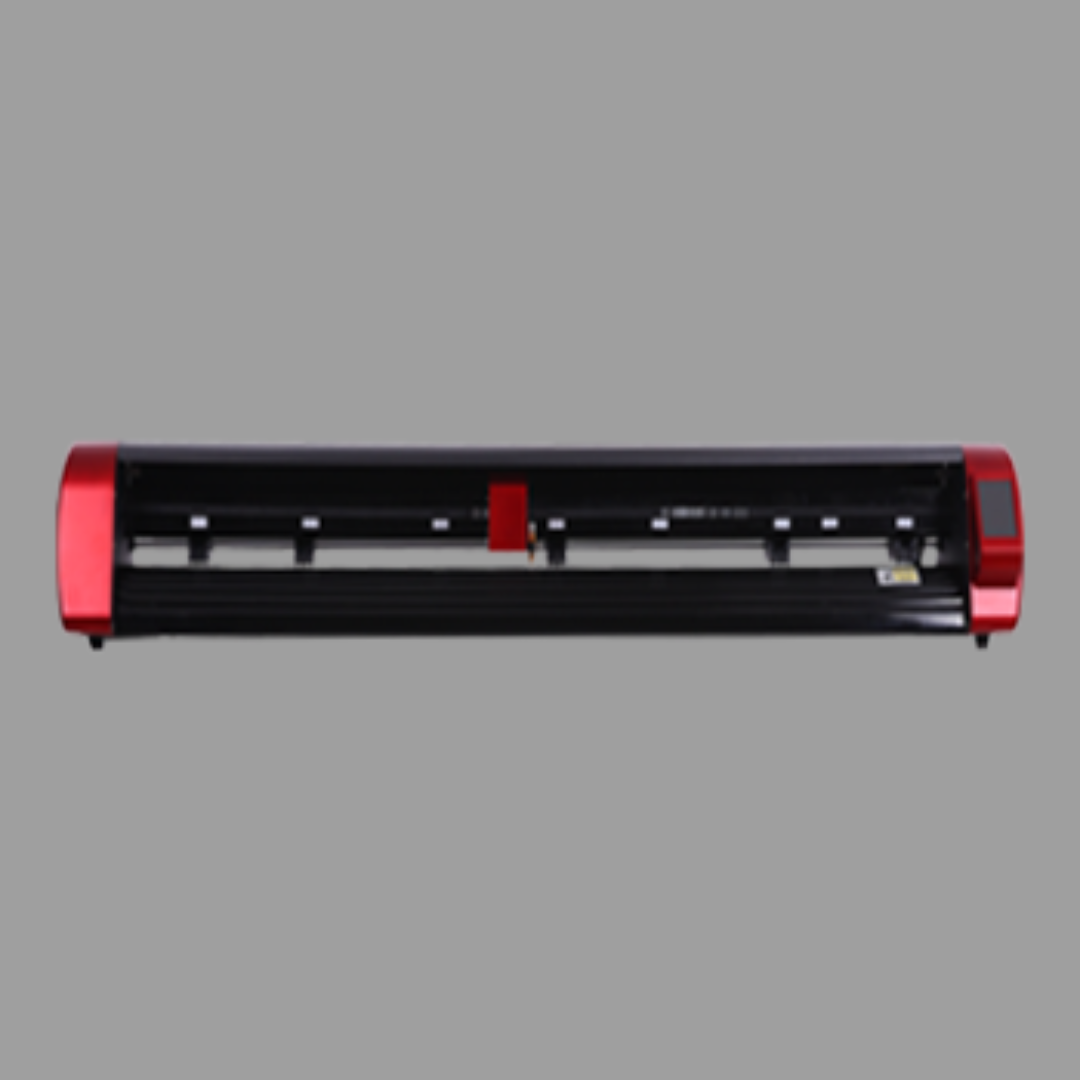
| V24 | Starter roll plotter – load vinyl by hand for lettering and stickers |
| VH Series | Servo production on rolls when the day stays busy |
| C / CX Series | Camera contour – hand-load printed sheets or printed rolls |
Call +91 9990391515 or send an enquiry with materials and daily volume. We do not invent rupee stickers online.
Manual feed workflow
- Prepare the file – closed vector paths; add registration marks for printed contour cuts.
- Load media – roll square under the pinch rollers, or one sheet aligned for camera start.
- Set origin and blade – force and speed for vinyl, radium or sticker paper.
- Test cut – small shape first, then the full job.
- Weed and reload – change media for the next job; no tray to refill between unrelated sheets.
Frequently asked questions
Final thoughts
A manual feed plotter machine is the right first blade machine for most vinyl and mixed shops. Start with the V24 or VH for rolls, add C / CX for printed outlines, and move to an auto feeder cutting plotter only when sheet stacks become the bottleneck. Type overview stays in cutting plotter.
.webp)