.webp)
Packaging cutting turns a digital file into a foldable pack: sample cartons, short-run boxes, sleeves and inserts. You cut the outline and crease the folds without waiting for a new steel die every time the size changes.
This guide from Skycut India covers when digital packaging cutting beats dies, which blanks fit a sheet cutter, and which need a flatbed. Carton focus stays in box making machine. Tool setup is in crease and cut.
Quick answer
What packaging cutting is
Packaging cutting is digital finishing for packs. The machine cuts windows and outlines, and creases the lines the pack will fold on. Designers and converters use it to prove a size, run a small order, or change dimensions without tooling delay.
It is not roll vinyl lettering. Vinyl names stay on a vinyl cutting plotter. Packaging blanks need a cut and a crease on card or board.
Digital packaging vs steel dies
| Digital packaging cutting | Steel die | |
|---|---|---|
| Change of size | Edit the file and cut again | New die for each size |
| Best volume | Samples and short runs | Very high repeat volume |
| Lead time | Same day once the file is ready | Wait for die making |
| Skycut role | A3 Max 5 / F6090 / D Series | Not a plotter job |
What you can cut
- Sample cartons for client approval before mass production.
- Short-run boxes and sleeves when the order is too small for a die.
- Inserts and folders that need fold lines as well as an outline.
- Rigid board packs that will not feed through a sheet cutter – use a flatbed.
How a packaging job runs
Separate cut and crease
Outlines and windows are cuts. Fold lines are creases. Keep them on different tool paths.
Match the blank to the machine
Small sheet cartons go on the A3 Max 5. Rigid board goes on the F6090 flatbed.
Cut one sample first
Fold the blank and check fit before you run a short production stack.
Adjust crease, then outline
If the pack cracks or will not fold, fix the crease before you change the cut size.
Run the short order
Use auto feed for repeat sheets. Clear the flatbed and place the next board for rigid jobs.
Making packaging samples or short runs?
Tell us the blank size and the board. We will match a Skycut packaging cutter and share the price.
Which Skycut machine
| Packaging work | Machine |
|---|---|
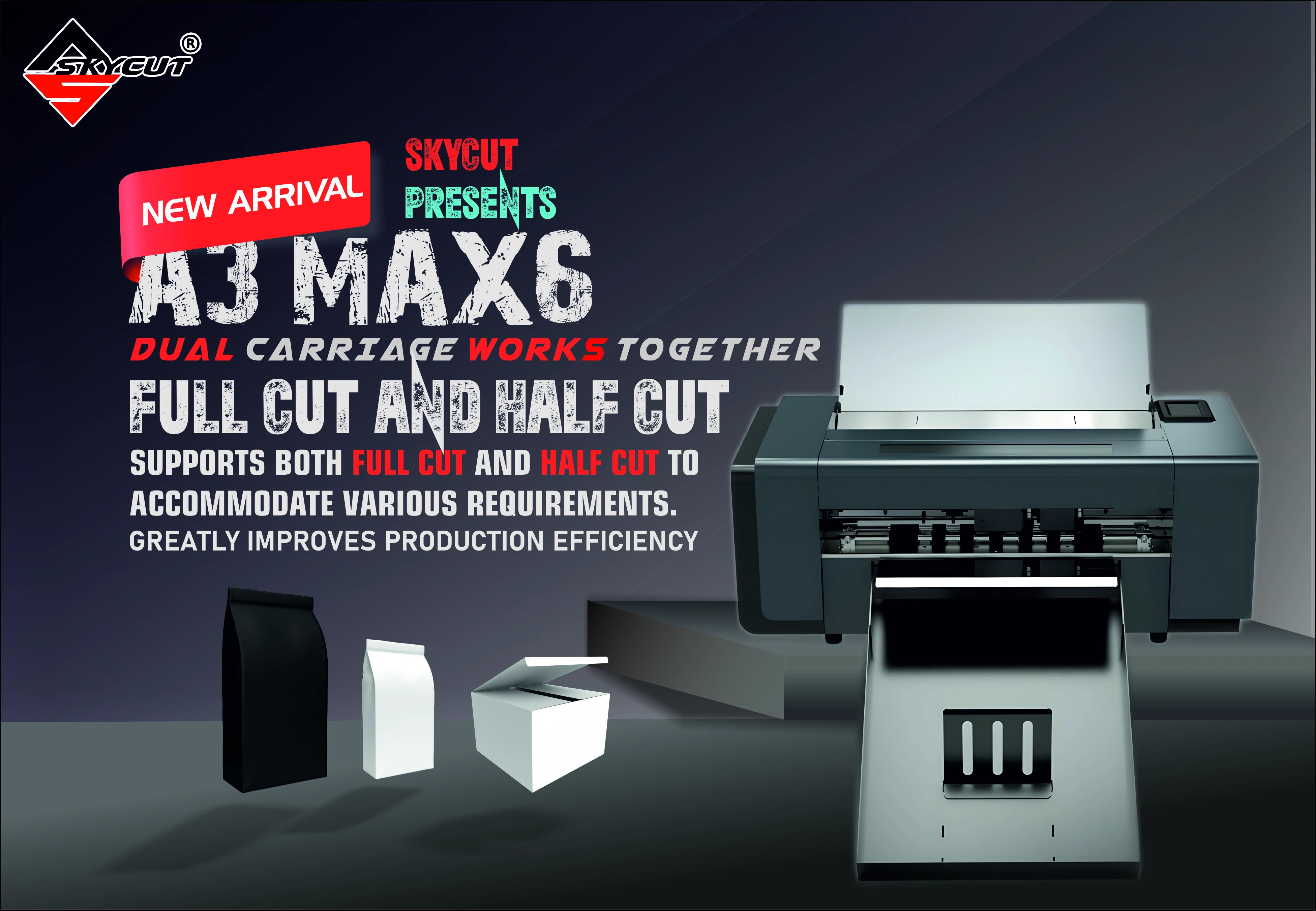
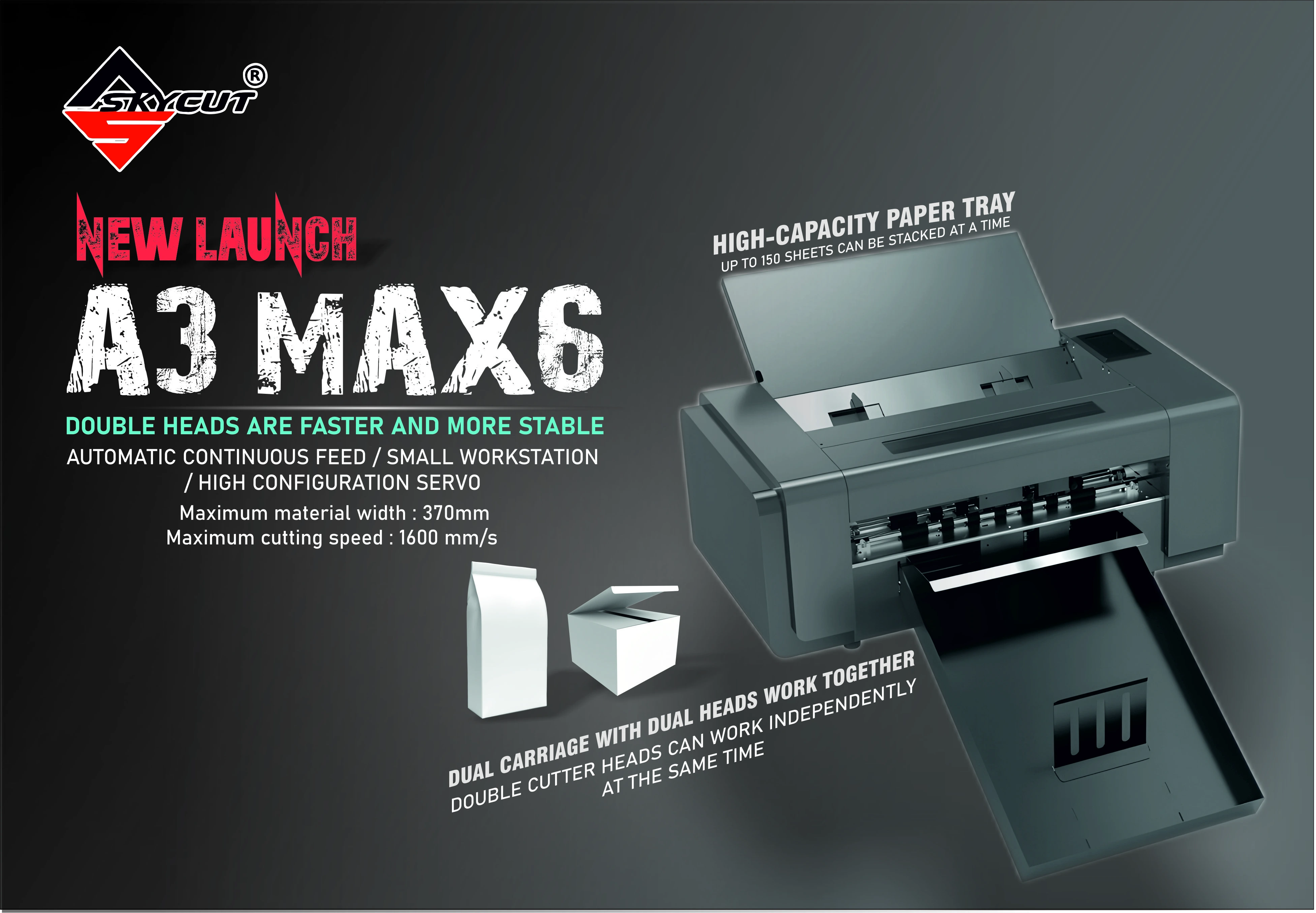
| Small cartons from sheets, cut + crease | A3 Max 5 |
| Rigid board, half-cut / full-cut / box-making | F6090 |
| Flatbed with large touch screen | F4560 |
| Thicker card, dual independent heads | D24 / D48 |
Dual head hardware is explained in dual head. Call +91 9990391515 or send an enquiry with your largest blank.
.webp)
Common problems
| What you see | What to change |
|---|---|
| Pack tears on the fold | Fold line was cut. Move it to the crease tool |
| Blank will not fold | Crease too light or missing. Fix crease before outline |
| Board will not feed | Too rigid for a sheet cutter. Move to the F6090 |
| Sample fits, next blank fails | Board thickness changed. Retest crease force |
| Only vinyl lettering needed | That is not packaging cutting. Use a roll plotter |
Frequently asked questions
Final thoughts
Use packaging cutting when packs must change size without a new die. The A3 Max 5 covers small sheet cartons. The F6090 covers rigid board. Keep cut and crease on separate paths, and prove one sample before the short run.
.webp)