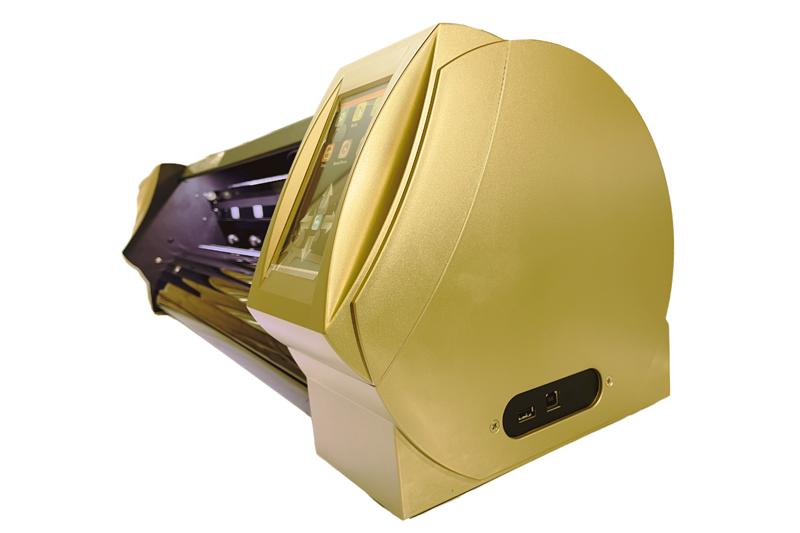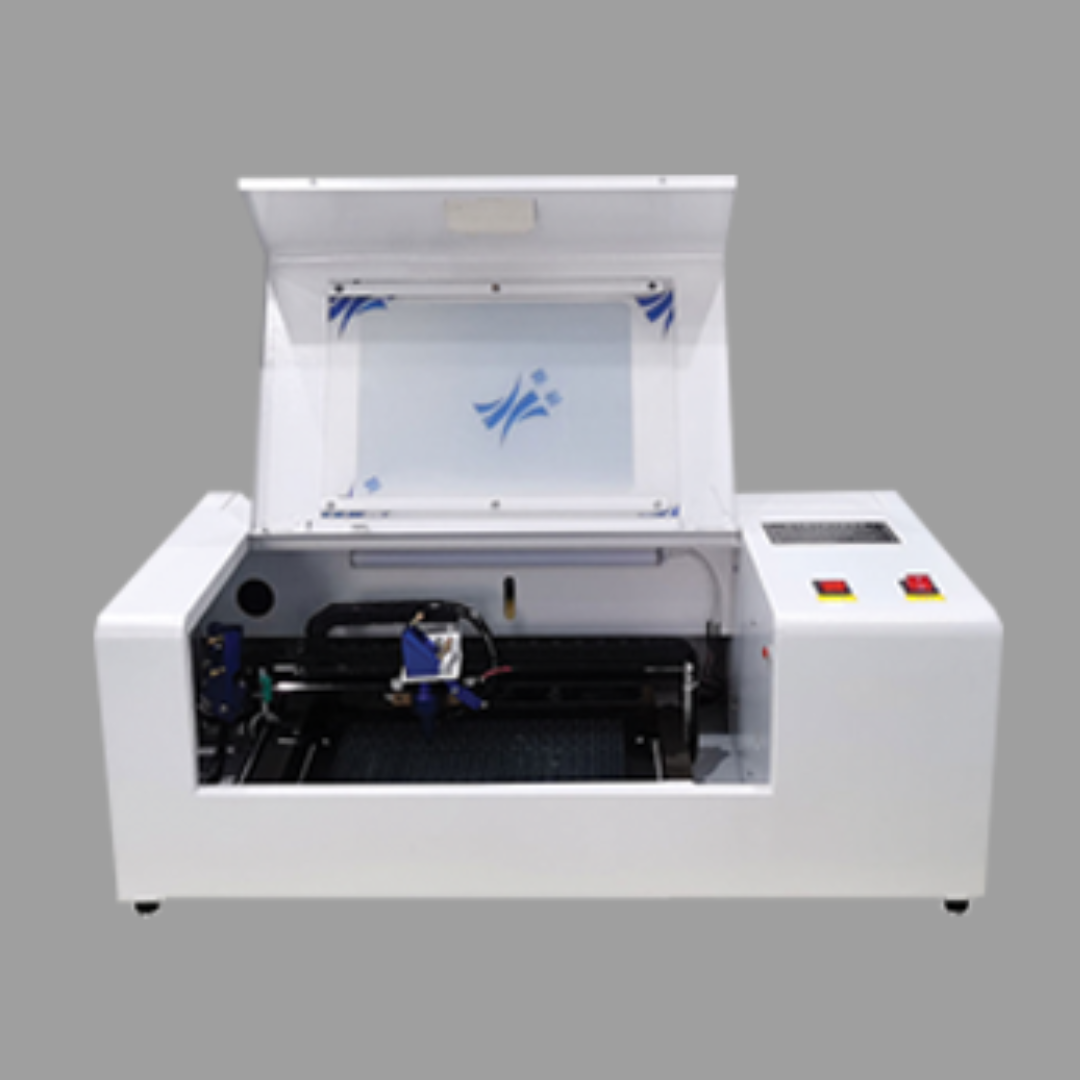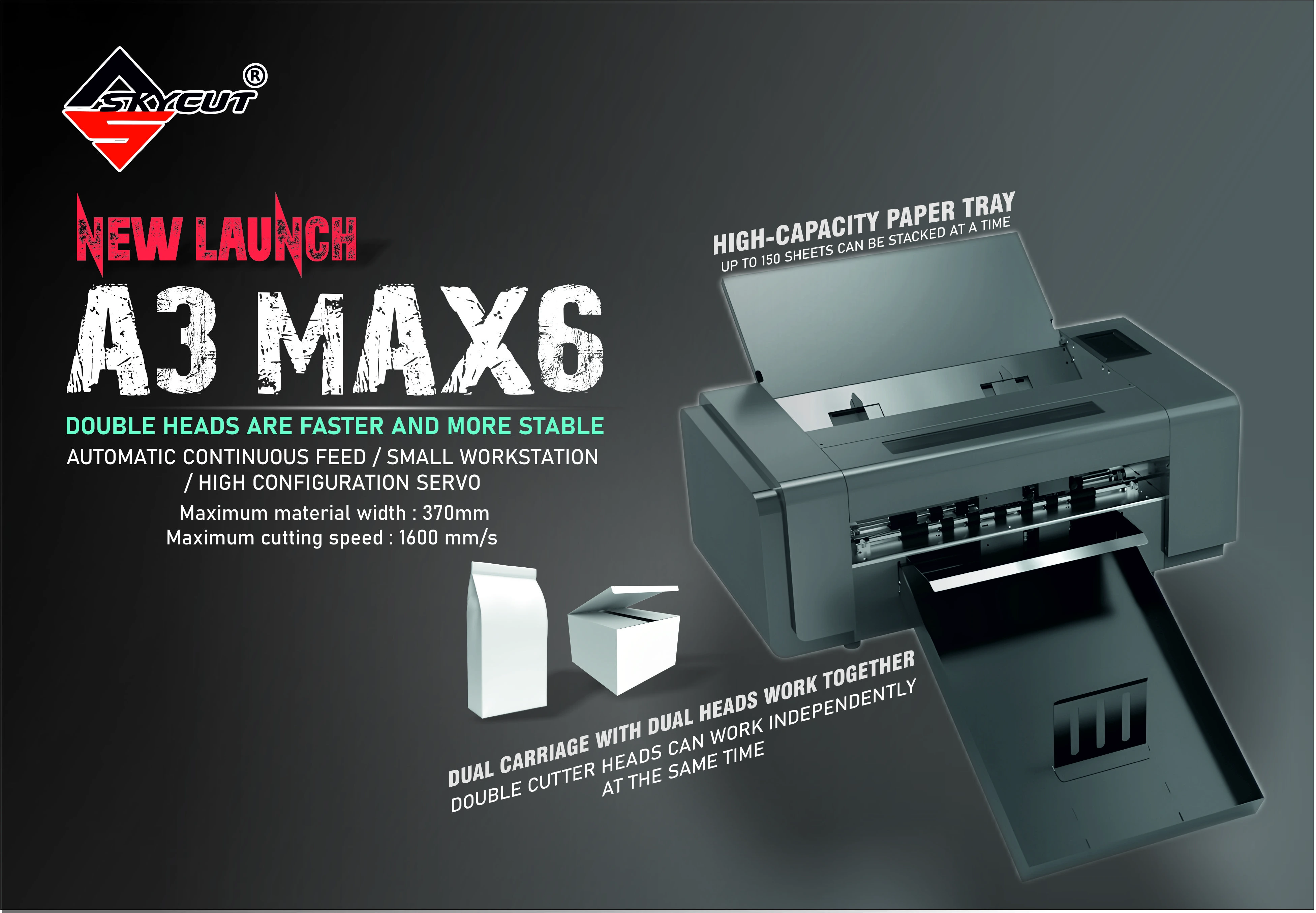
A sheet cutting machine finishes what the printer already made: a flat page of stickers, labels, tags or small carton blanks. The cutter works on that sheet. It does not pull a long roll of vinyl the way a lettering plotter does.
This guide from Skycut India covers how a sheet cutting machine runs: kiss cut vs through cut, layout habits, and when to feed a stack. Machine buying notes stay in sheet cutter machine. Stack feeding is in automatic feeding machine.
Quick answer
- Sheet cutting machine = cut a printed page, not a vinyl roll.
- Kiss cut leaves stickers on the liner. Through cut separates the piece.
- Test one sheet before a full stack.
- Skycut: A3 Max 5 for batch sheets with cut and crease.
What a sheet cutting machine does
The sheet leaves the printer with artwork and, for contour work, registration marks. The sheet cutting machine finds those marks or follows a saved file, then kiss-cuts or through-cuts the shapes. You get finished stickers on a page, loose tags, or blanks ready to fold.
That is different from roll vinyl lettering, where the colour is in the film and the design is only a cut path. A sheet cutting machine job is usually print first, cut second.
Sheet cutting machine vs roll cutting
| Sheet cutting machine | Roll cutting | |
|---|---|---|
| Media | Printed A3 / A4-class sheets | Vinyl or radium on a roll |
| Typical products | Sticker sheets, labels, tags, small cartons | Names, logos, shop boards |
| Key feature | Camera marks and often auto feed | Tracking a long roll |
| Skycut example | A Series | V24 / VH |
Kiss cut and through cut on sheets
- Kiss cut on a sheet cutting machine cuts the face and leaves the liner. The page stays together. Retail sticker sheets use this.
- Through cut on a sheet cutting machine separates the piece from the sheet. Tags, cards and some packaging blanks need this.
- Crease plus cut adds fold lines for small boxes. See crease and cut.
How a sheet cutting machine job runs
Impose the sheet
Place designs, margins and registration marks so every sheet in the job matches.
Print a consistent stack
Same size, same orientation, same mark positions. Mixed sheets break the cut.
Choose kiss cut or through cut
Stickers stay on the liner. Tags and blanks that must separate need a through cut.
Test one sheet
Confirm the outline and the peel before you run the stack.
Cut the sheet or the stack
Hand-load samples, or use automatic feeding when the same layout repeats.
Cutting printed sheets every day?
Tell us the sheet size and whether you kiss cut or through cut. We will match a Skycut model and share the price.
Layout tips that save sheets
- Keep marks in the same place on every sheet in that job.
- Leave a margin so the blade does not run off the edge of thin stock.
- One layout per stack. Do not mix two designs in the same feeder load.
- Weed or pack soon after cutting so sheets do not sit and stick in a humid room.
.webp)
Which Skycut sheet cutting machine
- A3 Max 5 for repeat sheets that need cut and crease.
- A3 Max 4 and A3 Max Metal for stacked sheet cutting machine jobs.
- Camera roll cutters such as the C Series also contour-cut printed media when the job is on a roll or a hand-fed sheet, but batch A3 stacks belong on the A Series.
Call +91 9990391515 or send an enquiry with your sheet size.
Common problems
| What you see | What to change |
|---|---|
| Cut misses the print | Marks moved or a different layout slipped into the stack |
| Stickers will not peel | Kiss cut is too shallow. Raise force or check blade depth |
| Liner is cut through | Reduce depth first. You wanted a kiss cut, not a through cut |
| Two sheets feed together | Fan the stack and keep sheets dry. See auto feeder machine |
| Using a roll plotter for A3 sheets | Move batch sheet work to an A Series cutter |
Frequently asked questions
Final thoughts
Use a sheet cutting machine when the job is already a printed page. Kiss cut for sticker sheets, through cut for tags, and crease and cut for small cartons on the A3 Max 5. Keep roll vinyl on a vinyl cutting plotter machine. For the machine shortlist, see sheet cutter machine.