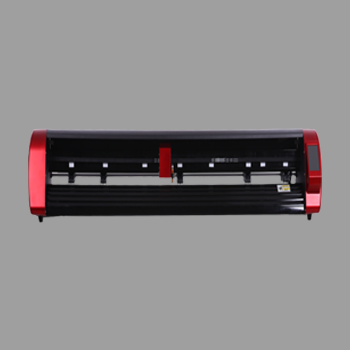
Digital packaging cutting turns a CAD or design file into a foldable pack. The cutter follows cut and crease paths on card or board. You change the size in software instead of waiting for a new steel die.
This how-to from Skycut India covers the digital workflow, file prep and which setup fits sheet vs board. Job types and samples sit in packaging cutting. Model buying sits in packaging cutting machine. Tooling theory sits in packaging cutting machine technology.
Quick answer
What digital packaging cutting is
It is packaging finishing controlled by a digital path. The machine does not stamp a steel rule. It drives a blade for the outline and a crease tool for folds. That is why samples and short runs move the same day the file is ready.
It is not fill-and-seal packaging equipment and not roll vinyl lettering. Those are different machines. Digital packaging cutting is for blanks that must cut clean and fold on crease lines.
Why digital beats dies for short runs
| Digital packaging cutting | Steel die finishing | |
|---|---|---|
| Size change | Edit the file | Order a new die |
| Sample lead time | Same day once set | Wait on die making |
| Best volume | Samples and short mixed runs | One SKU at very high volume |
| Skycut role | A3 Max 5 / flatbed / D Series | Not a plotter job |
Steel vs digital machine buying is also covered in die cutting machine.
Digital workflow step by step
Build a digital blank
Draw closed cut paths and separate crease paths. Keep folds on the crease tool, not the knife.
Match board and machine
Sheet cartons go on an A Series feeder. Rigid board goes on a flatbed with vacuum hold-down.
Nest and test one blank
Place one sample, check fold and fit, then adjust crease force before a short run.
Run the short order
Repeat the proven file. Change size in software when the next client needs a new dimension.
Hand-fold and pack
Fold on crease lines, tape or glue as the design needs, then ship or approve the sample.
Cut and crease tool roles are explained in crease and cut.
Starting digital packaging cutting?
Share blank size, board type and daily volume. We will match a Skycut setup and share the price.
File prep tips
- Separate layers: cut paths on one layer, crease on another.
- Closed outlines: open paths leave tabs that will not separate.
- Bridge tiny gaps so waste does not fall into the vacuum or feeder.
- Mark grain on board when fold strength matters.
- One board brand per test – crease force changes with thickness and coating.
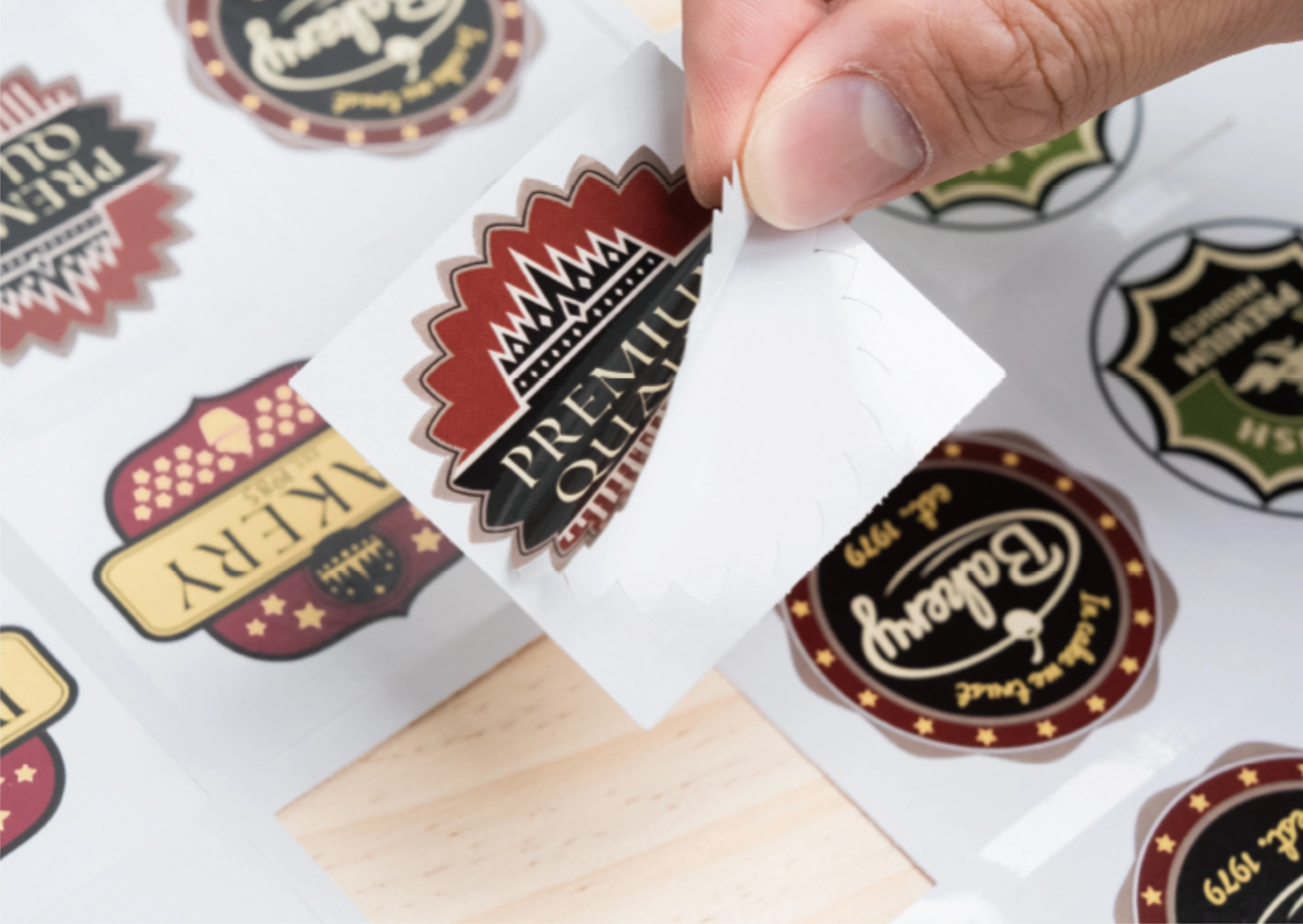
Which Skycut setup
| Digital packaging job | Setup |
|---|---|
| Small sheet cartons, cut + crease | A3 Max 5 |
| Rigid or larger board blanks | F6090 |
| Compact flatbed board work | F4560 |
| Wider dual-head production | D24 / D48 |
Call +91 9990391515 or send an enquiry with your largest blank size.
Common mistakes
| What goes wrong | Fix |
|---|---|
| Folds tear | Crease path was cut. Move folds to the crease tool |
| Blank will not fold | Raise crease force or retest on the same board brand |
| Sheet misfeeds | Board too stiff for the feeder – move to flatbed |
| Sample OK, batch fails | Board lot changed; re-prove crease on a scrap |
| Buying a vinyl-only plotter | Roll lettering machines do not crease cartons |
Frequently asked questions
Final thoughts
Digital packaging cutting is file-to-blank finishing: cut the outline, crease the folds, prove one sample, then run the short order. Use the A3 Max 5 for sheet cartons and a flatbed for rigid board. For which jobs to offer, read packaging cutting. For which machine to buy, read packaging cutting machine.