.webp)
A sticker printing machine puts colour on sticker media. The shape still needs a cutter unless you only sell solid vinyl lettering cut from coloured rolls.
This guide from Skycut India clarifies printer vs cutter, which setups shops actually buy, and how Skycut plotters finish printed stickers. Cutter-only buying is in sticker machine and sticker cutting machine. Registration detail is in print and cut technology.
Quick answer
What buyers mean
Search traffic for “sticker printing machine” mixes three intents: a colour printer for stickers, an all-in-one print-and-cut craft unit, or a shop that wants the full printed-sticker line. Production sign shops almost always split print and cut into two machines.
Process steps from file to peel are in sticker making.
Printer vs cutter
| Sticker printing machine | Sticker cutting machine | |
|---|---|---|
| Job | Puts colour on the media | Cuts the outline / kiss cut |
| Typical hardware | Inkjet, eco-solvent, UV, latex | Plotter / digital cutter |
| Skycut | Not the printer brand – pair with yours | V24, C / CX, A Series |
| Solid vinyl lettering | Not required | Required |
Machine types
- Desktop / A3 sticker printers – short-run full-colour sheets for shops and startups.
- Wide-format eco-solvent / UV – outdoor sticker vinyl and larger sheets or rolls.
- All-in-one print-and-cut craft units – fine for hobby volume; limited force and media for radium / production.
- Printer + professional plotter – the usual production stack; Skycut handles the cut.
Have a sticker printer – need the cutter?
Tell us sheet or roll print. We will suggest CX / C or A Series and share the Skycut price.
How to set up
Decide print vs solid vinyl
Full-colour stickers need a printer; solid lettering needs only a plotter.
Choose the printer class
Desktop, A3 or wide-format matched to sticker size and outdoor ink needs.
Add a contour cutter
Camera C / CX or A Series feeder to kiss-cut after print.
Print with registration marks
So the cutter can align the outline to the artwork.
Kiss-cut, weed and pack
Finish peels on the liner; train force so the liner stays intact.
.webp)
Where Skycut fits
| After your printer | Skycut finisher |
|---|---|
| Shaped printed stickers | CX16 / CX24 or C24 |
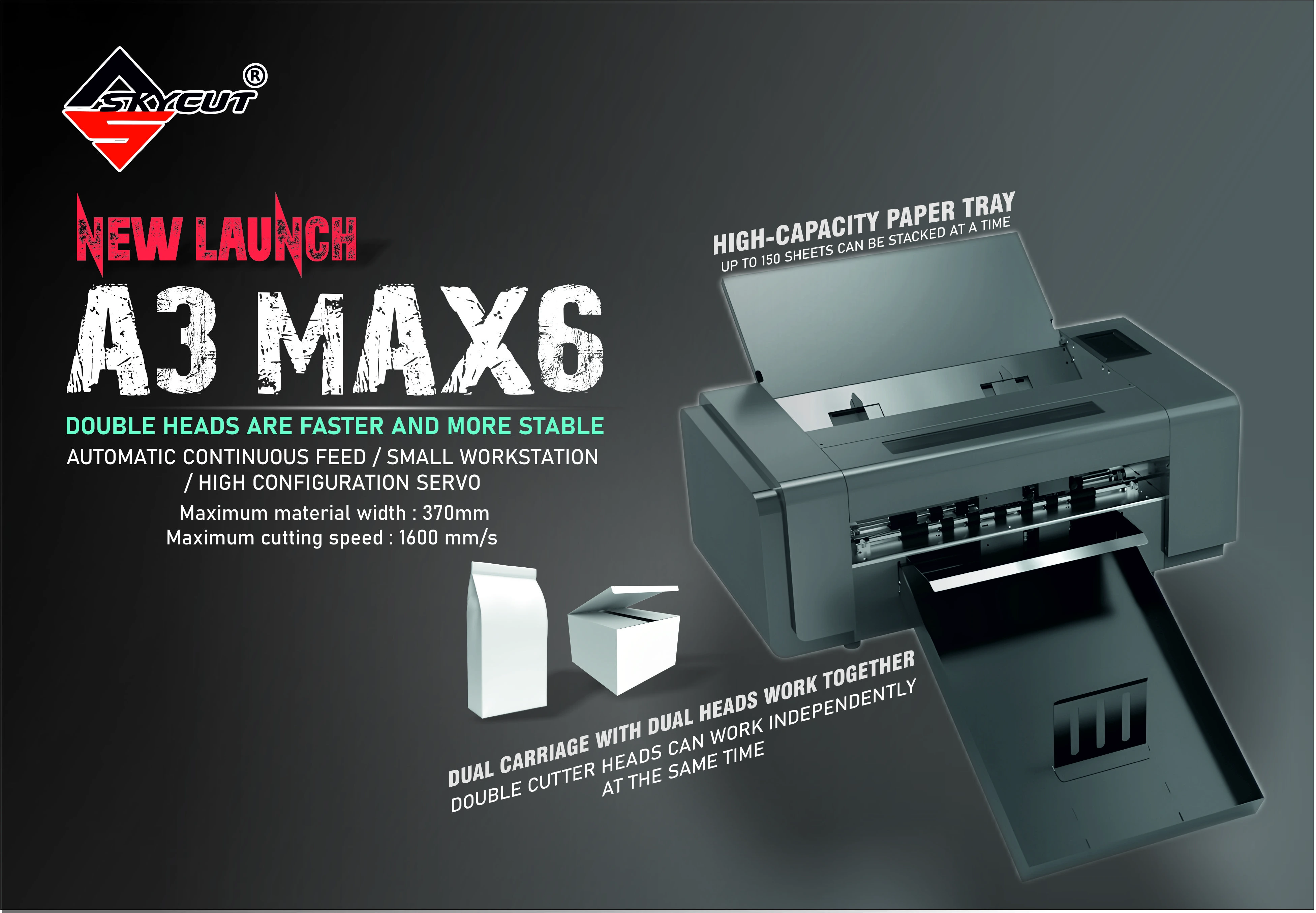
| Stacked identical sticker sheets | A3 Max 5 / A Series |
| No printer – solid vinyl only | V24 / VH Series |
Sheet habits are in sticker paper cutting. Call +91 9990391515 or send an enquiry. We do not invent rupee stickers online.
Mistakes to avoid
| Mistake | Better approach |
|---|---|
| Buying only a printer for die-cut stickers | Add a camera or feeder cutter |
| Buying a craft print-cut for radium fleets | Use a production plotter for reflective film |
| Printing without registration marks | Marks are required for accurate contour |
| Expecting Skycut to replace the inkjet | Skycut finishes; pair with your printer |
Frequently asked questions
Final thoughts
A sticker printing machine is the colour engine. Pair it with a Skycut CX / C or A Series cutter for peels, or skip the printer entirely for solid vinyl on a V24. For cutter-first buying, read sticker machine; for registration, read print and cut technology.
.webp)