Print and cut technology links a printer and a digital cutter so the blade follows the printed shape. Registration marks tell the machine where the artwork landed; a camera or sensor corrects skew before the cut starts.
This technology guide from Skycut India explains the building blocks, the step-by-step flow, and which machines use it. Wider digital cutting types are in digital cutting solutions. Sheet sticker habits are in sticker paper cutting.
Quick answer
What it is
Print and cut is not a single box. It is a system: a colour printer (or print service), media with liner, cutter software that places marks, and a plotter that can read those marks. The result is shaped stickers and labels without ordering a new steel die for every outline.
Solid vinyl lettering on a roll plotter is different — there is no print to follow. Print and cut starts only when colour graphics exist on the media before the blade moves.
How it works
Design and add marks
Export print artwork with registration marks the cutter software expects.
Print the media
Print stickers, labels or skins on the correct film or paper sheet/roll.
Load and register
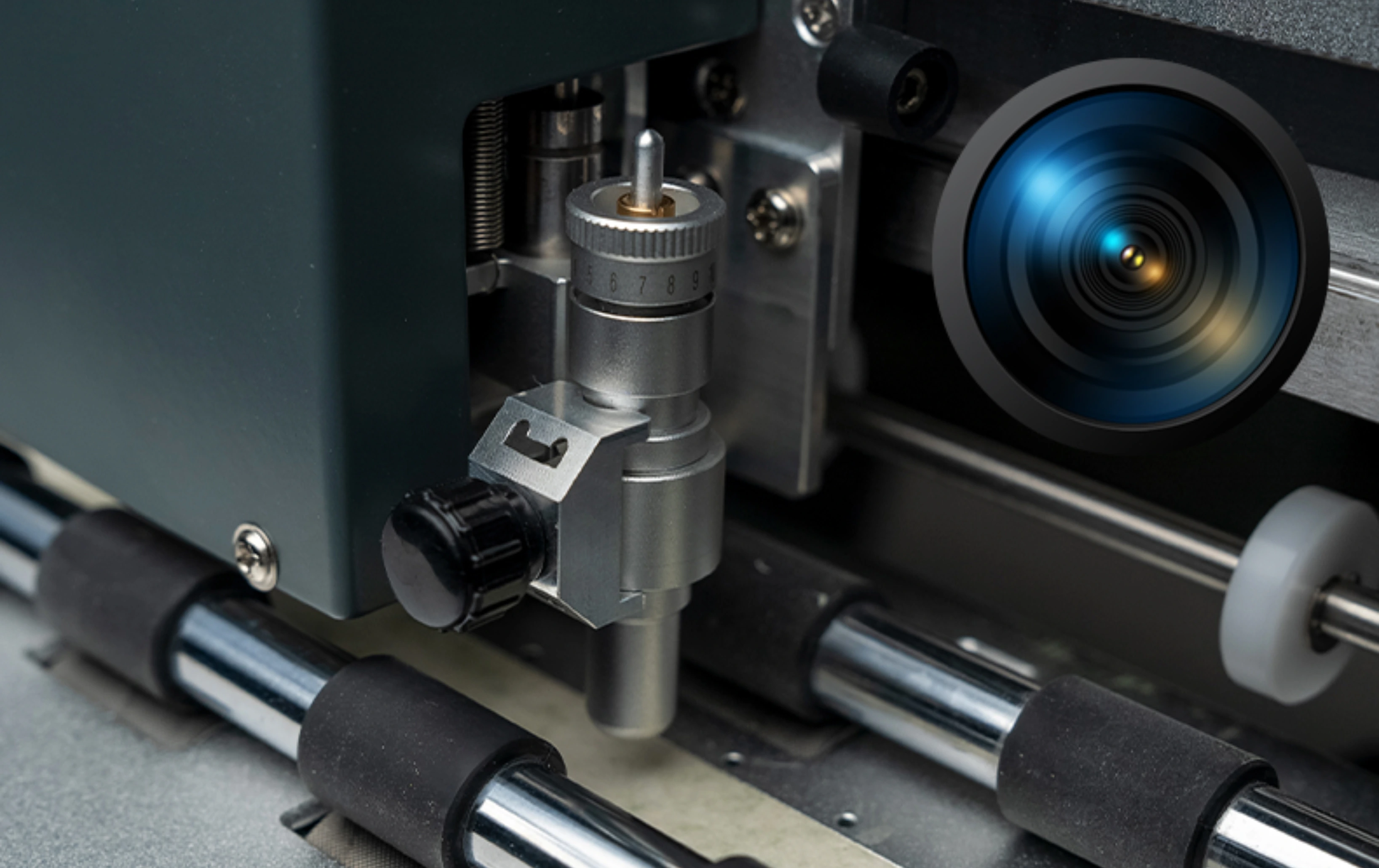
Place media on the plotter; camera or sensor reads marks and corrects skew.
Contour cut
Blade kiss-cuts or through-cuts along the registered outline.
Weed and finish
Remove waste, apply transfer tape or peel labels as the job needs.
vs solid cut & dies
| Print and cut | Solid vinyl cut | Steel die | |
|---|---|---|---|
| Colour graphics | Printed first | Usually solid colour only | Often printed separately |
| Alignment | Marks + camera | File coordinates only | Die locked to press |
| New shape | Edit file and cut | Edit file and cut | New die tooling |
| Best for | Short-run stickers & labels | Lettering, radium, HTV | Very high volume |
Setting up print and cut technology?
Tell us stickers, labels or skins. We will suggest CX / C or A Series and share the price.
Technology building blocks
- Registration marks – printed targets the sensor finds on every sheet or segment.
- Camera / optical registration – measures mark positions and corrects stretch and skew.
- Contour path – the cut line that hugs the printed outline.
- Kiss cut vs through cut – kiss cut leaves the liner; through cut separates the piece. See kiss cutting machine and die cut stickers.
- Software bridge – design file carries both print artwork and cut paths.
.webp)
Where shops use it
- Custom stickers – print then kiss-cut sheets. See sticker paper cutting.
- Product & barcode labels – cut must miss text. See digital label.
- Mobile skins – printed film + device contour. See mobile skin.
- Short-run branded packs – when die tooling is too slow for the order size.
Skycut machines
| Machine | Role in print and cut |
|---|---|
| CX16 / CX24 | Camera contour for shaped stickers, labels and skins |
| C24 | Camera contour on C Series for printed media |
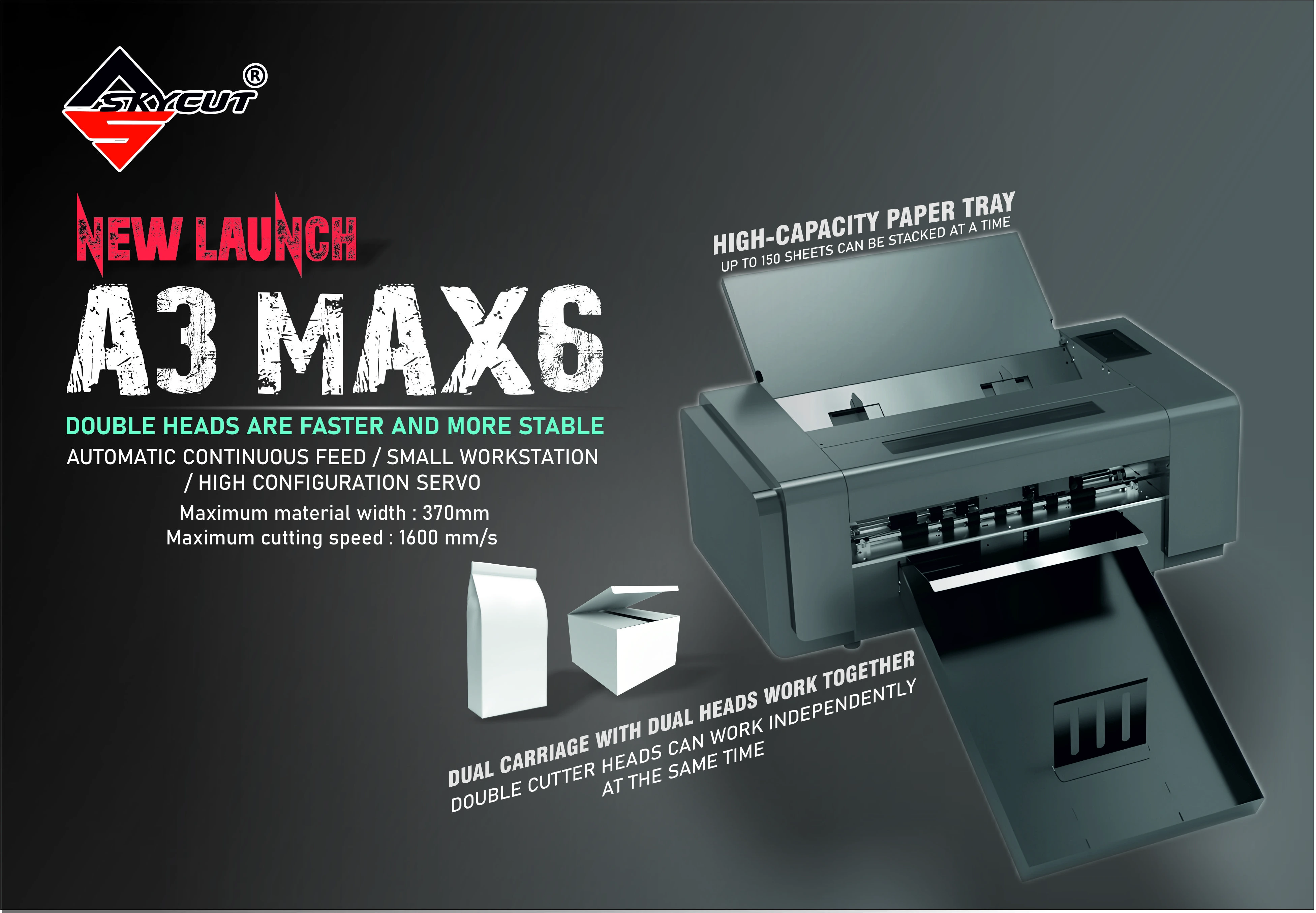
| A3 Max 5 | Registered sheet stacks for repeat sticker / label jobs |
| V24 | Solid vinyl only – not a print-and-cut camera system |
Call +91 9990391515 or send an enquiry with your main media. We do not invent rupee stickers online.
Frequently asked questions
Final thoughts
Print and cut technology is print first, register, then contour cut — so shaped graphics finish without a new die every time. Start with CX16 / CX24 or C24 for camera contour, or an A Series feeder for stacked sheets. For the wider cutter family, read digital cutting solutions. Printer vs cutter buying language is in sticker printing machine.
.webp)
.webp)